Appendix B Danaher Motion Kollmorgen Speciality Electronics
34 SERVOSTAR CD-LITE User Manual
21. Select Zero Input.
22. Select OK for ANZERO procedure.
23. Change the Hardware enable input so pin 8 in C3 connector is 24 Return where pin 7 is the +24
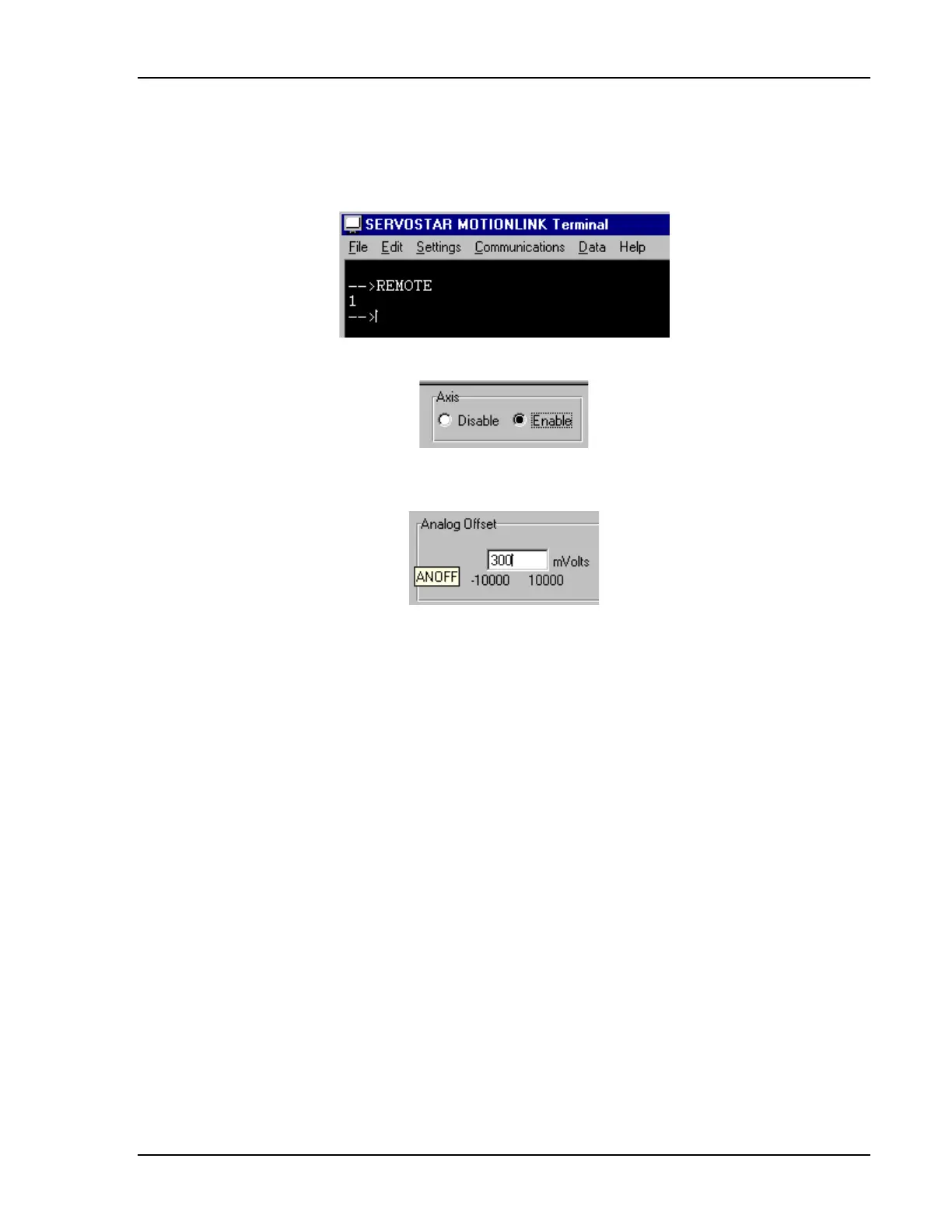
source. If you are not sure, go to the terminal window and type "REMOTE." REMOTE should be 1.
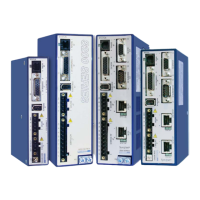
24. Change axis state from Disable to Enable.
25. You can see that the seven segment of the CD-Lite is now 3. Now you are about to move the motor
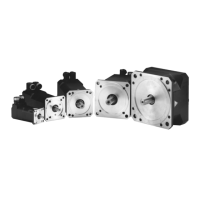
shaft. Type 300 in the Analog Offset.
26. To stop the motor, select Zero Input.
Now you can operate the system with your analog input (300 mVolts = 0.3 Volts).
Artisan Technology Group - Quality Instrumentation ... Guaranteed | (888) 88-SOURCE | www.artisantg.com



 To Next Page