11. Power switch and option switch
When you press the power switch on, and the dishwasher remains dead with no power light this may be a
malfunction of the power switch.
When you press the option switch and the heating element can not be energized and the Sani/Econo light does
not come on, this may be a malfunction of the option switch.
PROCEDURE
Inspecting / replacing : power switch and option switch
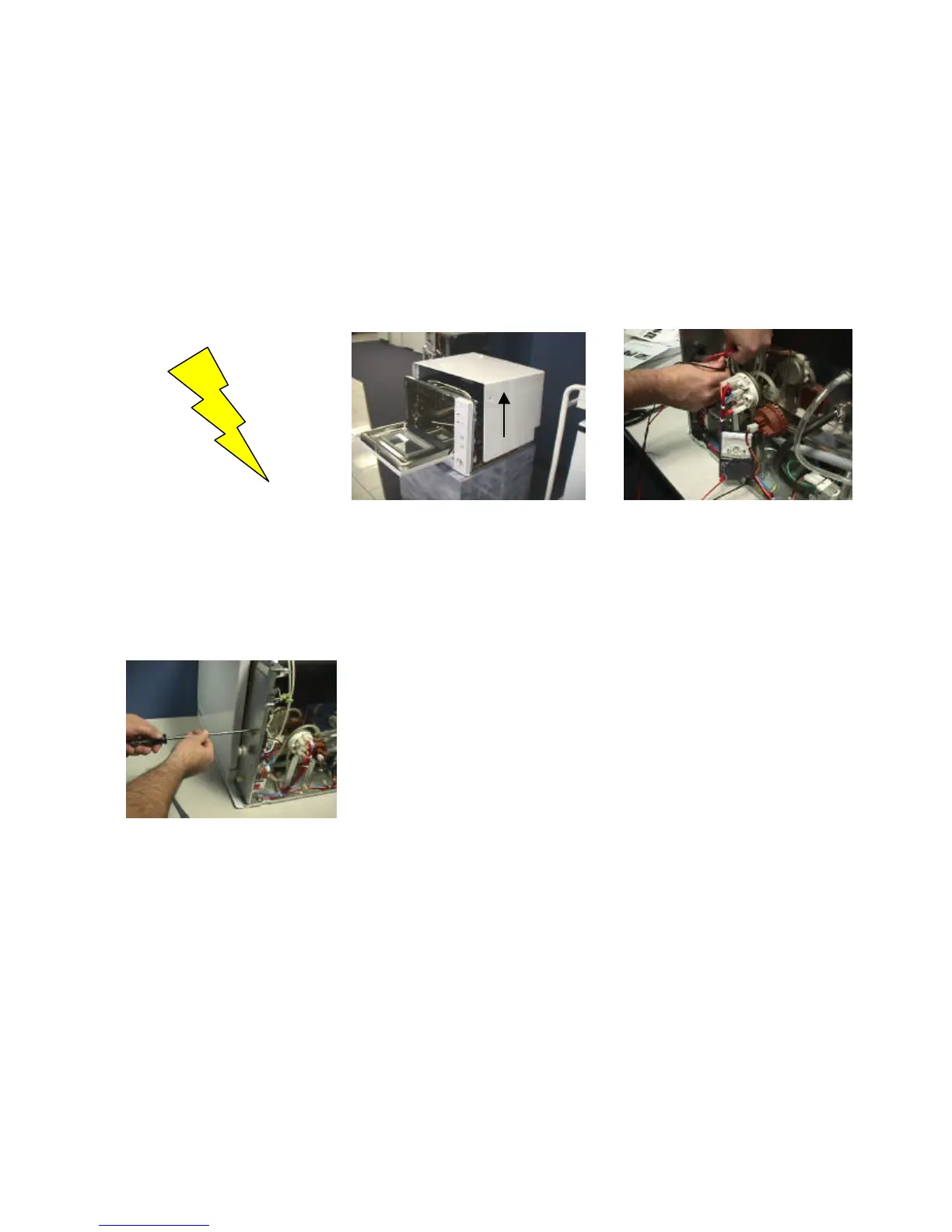
Step 1: Be sure all controls are Step 2: This procedure requires the Step 3: Using a ohm meter, check for
turned OFF. Disconnect power removal of the outer casing. If you bad contacts in the power or option
supply at distribution panel or are unfamiliar with this process, please switches.
unplug power cord from outlet. refer to procedure #7:Removing outer
watch for sharp edges. casing..
Step 4: If the switch is defective,
replace the switch and reconnect
same as original installation.
15



 To Next Page