AK-PC 551 Technical brochure RC8CF102 © Danfoss 08-2014 9
Conguration
After installation the controller must be congured for an
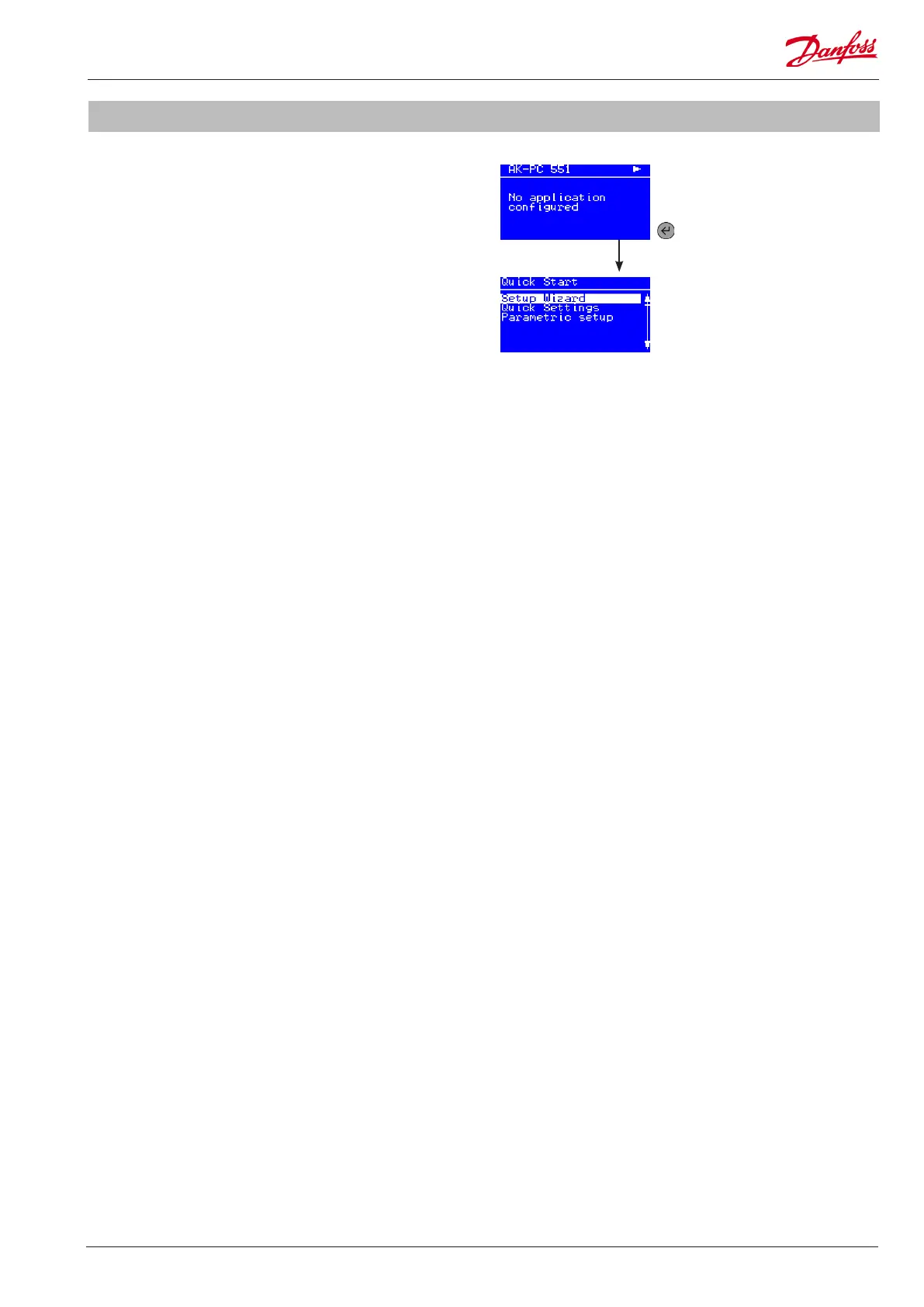
application� Once power is applied to the controller, the "Power
on" screen will appear�
Use one of the three options to congure the controller:
• Setup wizard
• Quick configuration
• Parametric setup
Setup wizard
Setup wizard is a step by step up and running guideline, setting
up inputs and outputs automatically�
Quick conguration
Quick conguration is a series of precongured applications,
setting up inputs and outputs automatically�
Parametric setup
Parametric setup is for the expert user, who wants to set each
parameter individually, adjust or netune settings�
First time start up
Quick start
Power on screen
Press ENTER for 2 sec�
and enter password (300)
to access quick start


 To Next Page
 Loading...