2.4 Minimum Floor Temperature
Note: Minimum floor temperature only applies if the ther-
mostat is configured to use a combination of room and
floor sensor.
This setting will overrule any other set point as you always
want e.g. 20°C at the floor sensor
How to set the minimum floor temperature
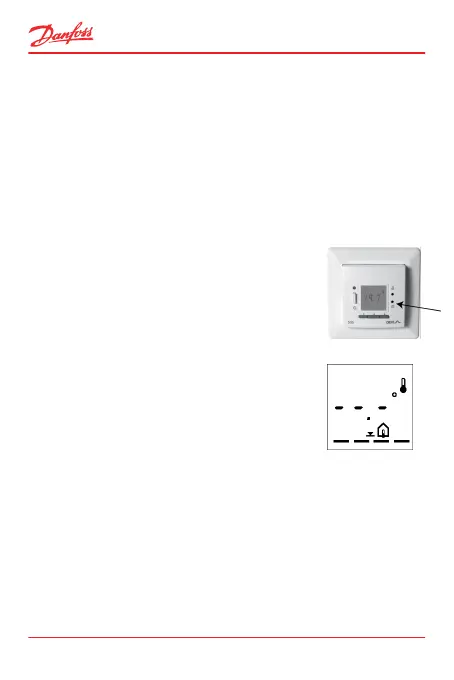
1. Press the clock pinhole with a small
screw driver, pencil, or needle to ac-
cess thermostat settings.
The display now changes from tem-
perature to time display.
2. Use the arrow buttons ▲▼ until you
reach the minimum floor temperature
and press the • button.
The preset minimum floor limit tem-
perature starts flashing.
--.-° means that the function is disa-
bled.
3. Use the arrow buttons ▲▼ to select the minimum
temperature.
ECtemp 535
14 User Guide



 To Next Page