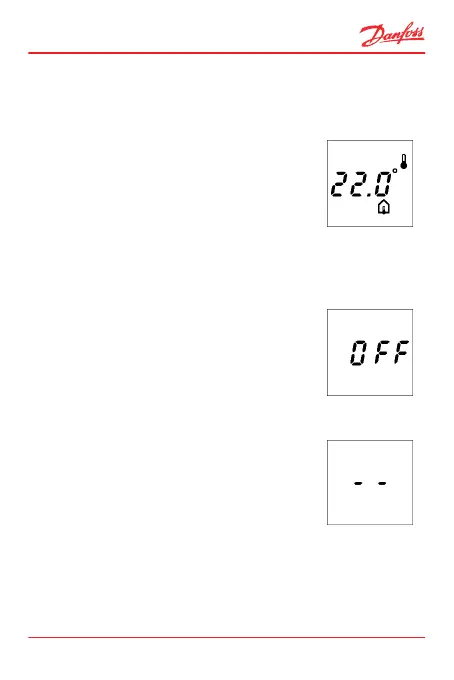
How to display the floor temperature
Note: This option only applies if the thermostat is config-
ured to use a combination of room and floor sensor.
1. Pressing ▲ and ▼ at the same time
for 2 seconds.
The floor sensor symbol now appears,
and the floor sensor temperature will
be displayed for 2 minutes.
2.8 Turning the Thermostat On and Off
How to turn the thermostat off
1. Hold down ▼ until you reach 5.0°.
Then press ▼ again twice.
OFF appears on the display.
2. Press • to accept.
How to turn the thermostat on
When the thermostat is off, two lines are
shown on the display.
1. Press ▲ (0.5sec).
ECtemp 535
User Guide 17



 To Next Page