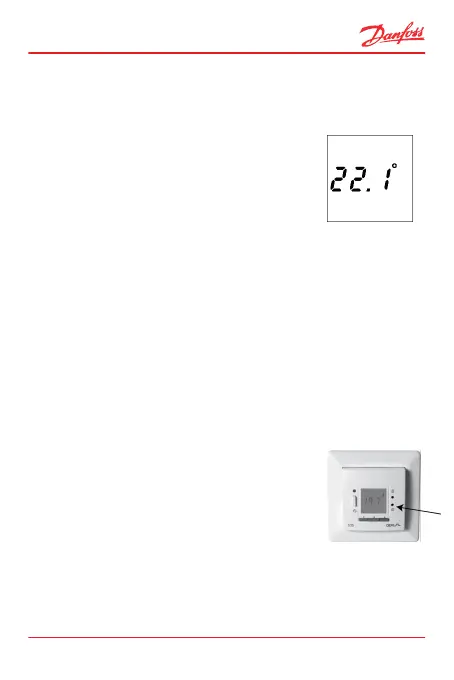
2.1 Increase/Decrease Preferred Temperature
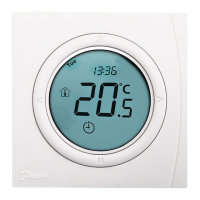
How to increase or decrease the temperature
1. Press the arrow buttons ▲▼ to either
increase or decrease the temperature.
The temperature is changed in incre-
ments of 0.1°C.
2. Press the • button to accept.
Note: If the thermostat is configured to use a floor sensor
only, and you try to increase the temperature above the
maximum floor temperature limit, the corresponding sym-
bol will flash on the display.
2.2 Time and Day of Week
How to set the time and day of week
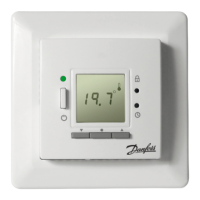
1. Press the clock pinhole with a small
screw driver, pencil, or needle.
The display now changes from tem-
perature to time display.
ECtemp 535
User Guide 7



 To Next Page