2. Press the • button and the hours start flashing. Use the
arrow buttons ▲▼ to select the hour.
3. Press the • button and the minutes start flashing. Use
the arrow buttons ▲▼ to select the minutes.
4. Press the • button and the day of week start flashing.
Use the arrow buttons ▲▼ to select the day of week.
The seven top bars indicate Monday through Sunday.
5. Press the • button to accept.
2.3 Periods with Lowering of Temperature
With ECtemp 535 you have the possibility of either setting
the thermostat to keep a constant temperature, or let the
thermostat automatically switch between periods with a
lower temperature (also called economy temperature) and
periods with comfort temperature.
Using the Timer Function
In order to automatically switch between comfort tempera-
ture and economy temperature (e.g. when going to bed or
to work), the timer function is used. A status bar in the bot-
tom of the display gives an overview of timer status.
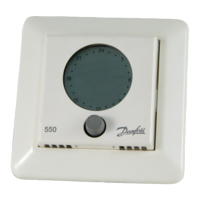
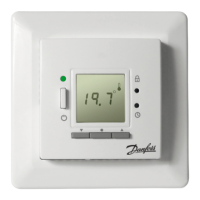
ECtemp 535
8 User Guide



 To Next Page