4. Press the • button to accept.
The floor temperature is now kept above the specified
lower limit.
2.5 Frost Protection
How to set the thermostat in frost protection mode
1. Hold down ▼ until you reach the low-
est setting, then press ▼ again.
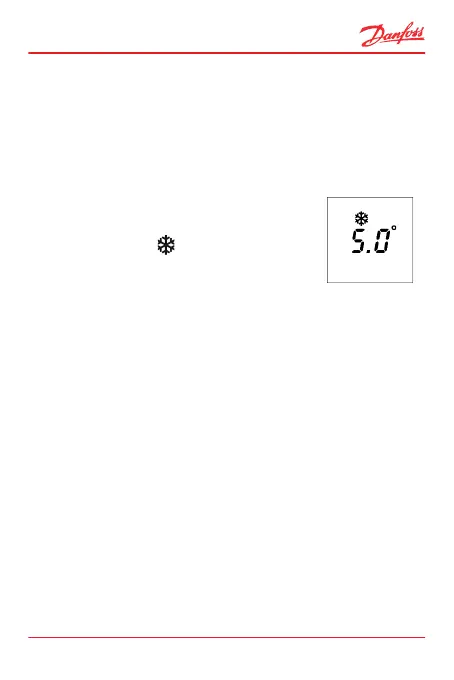
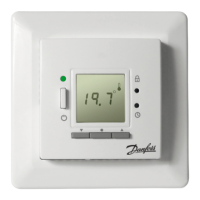
A frost symbol
now appears and
the temperature display flashes.
2. To accept, press • or leave it flashing for 10 seconds.
How to turn off frost protection mode
1. Press ▲ (0.5sec).
ECtemp 535
User Guide 15



 To Next Page