"diC"
Default non
DI Config
This is the digital input used for a digital sensor or bus communications.
"non": not used.
"doC": door contact, contact closed when door closed.
"doo": door contact, contact open when door closed.
"ECo": external input to control ECO mode.
"Pir": motion sensor. Passive infrared.
"o1C"
Default CoP
D01 Config
"CoP": direct compressor control.
"PiC": pilot Relay (no zero cross) – if using pilot relay to control a
compressor, this option must be used instead of "CoP".
"HEt": heating application, inverse output.
"PiH": pilot heat relay (no zero cross).
"o2C"
Default dEF
D02 Config/o2C
D03 Config/o3C
D04 Config/o4C
"no": not used.
"dEF": electric defrost heater/valve for hot gas.
"ALA": alamr output.
"FAn": fan control.
"Lig": light control.
"o3C"
Default FAn
"o4C"
Default Lig
"b1C"
Default noP
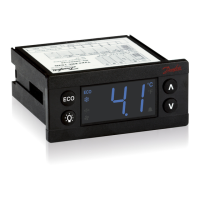
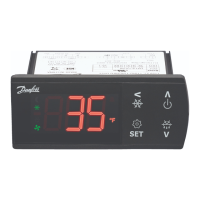
Lower left button:
Button 1 Config (short press)/b1C
Button 1 Config (long press)/b1L
Upper left button:
Button 2 Config (short press)/b2C
Button 2 Config (long press)/b2L
Upper right button:
Button 3 Config (short press)/b3C
Button 3 config (long press)/b3L
Lower right button:
Button 4 Config (short press)/b4C
Button 4 Config (long press)/b4L
"b1L"
Default PoF
"b2C"
Default dEF
"b2L"
Default inF
"b3C"
Default tP
"b3L"
Default ECo
"b4C"
Default tn
"b4L"
Default Lig
"b5C"
Default noP
Button 5 Config (short press) / b5C
Button 5 Config (long press) / b5L
(Button 5 is an external button option which can be
connected and configured through S4 sensor.)
"b5L"
Default noP
Short press function Long Press function (3 s.)
"noP": not operating
"ECo": toggle ECO mode
"SuP": toggle super-cool/pull down
"Lig": toggle light
"dEF": toggle defrost
"noP": Not operating
"ECo": Toggle Eco mode
"SuP": Toggle Super-Cool /Pull-down
"Lig": Toggle light
"dEF": Toggle defrost
"PoF": ERC power ON/OFF
"HoL": enter holiday mode
1
4
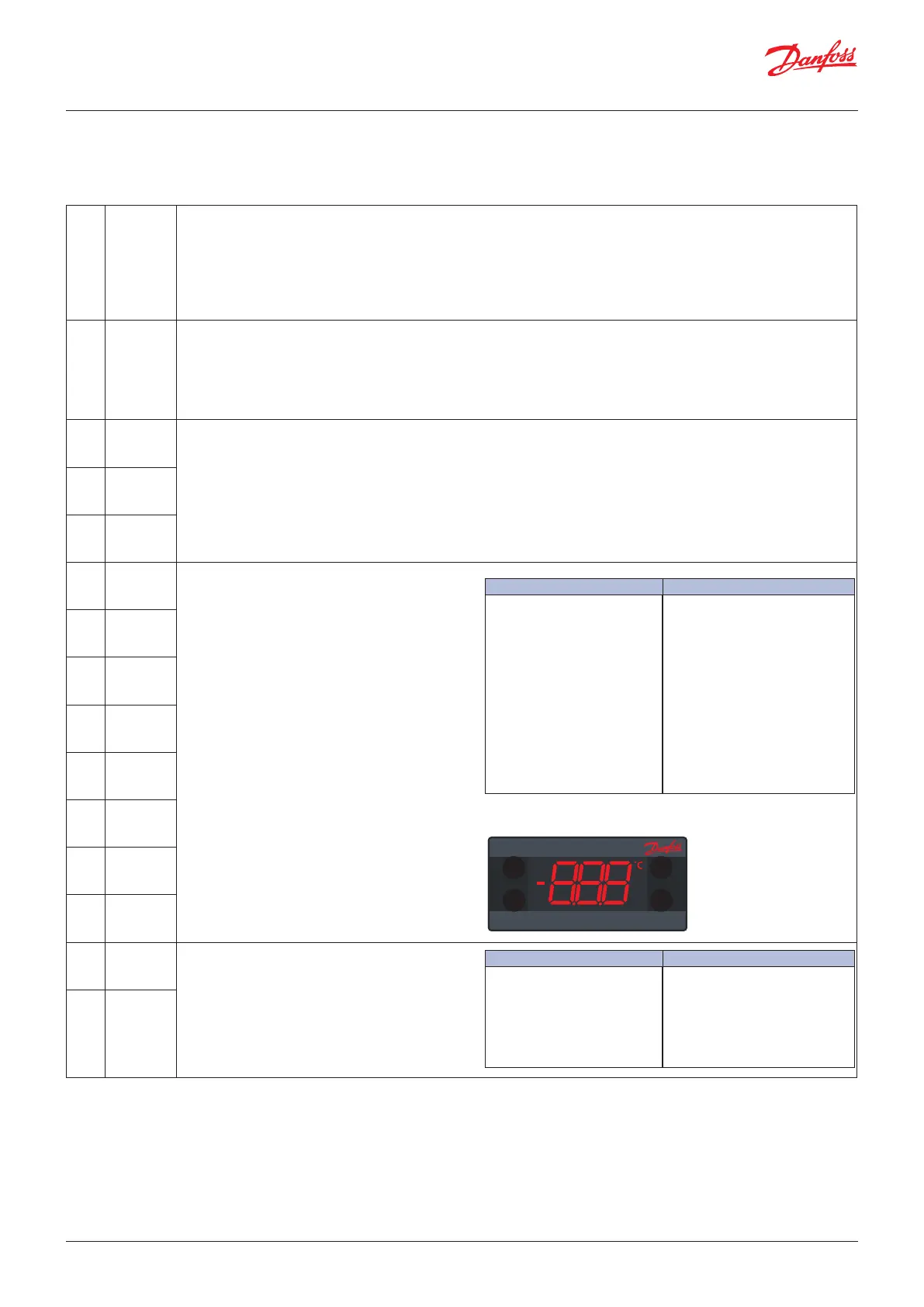
The buttons can be programmed as follows:
Short press function Long press function (3 s.)
"noP": not operating
"tP": increase set point
"tn": decrease set point
"ECo": toggle Eco mode
"Lig": toggle light
"dEF": toggle defrost
"SuP": toggle super-cool/pull down
"diP" : increase display intensity
"din" : decrease display intensity
"CFA": toggle °C and °F
"noP": not operating
"tP": increase set point
"tn": decrease set point
"ECo": toggle Eco mode
"Lig": toggle light
"dEF": toggle defrost
"SuP": toggle super-cool/pull down
"diP": increase display intensity
"din": decrease display intensity
"CFA": toggle °C and °F
"PoF": ERC power ON/OFF
"HoL": enter holiday mode
"inF": enter info menu
"tEc": Toggle Winter & Summer Eco mode
NOTE: Your assignments may not be shown on the printed buttons. We advice to
use this functionality together with the fully integrated mounting model only.
User Guide | ERC 112 Refrigeration Controller
22 | BC200686422115en-000802 © Danfoss | DCS (vt) | 2019.07




 To Next Page