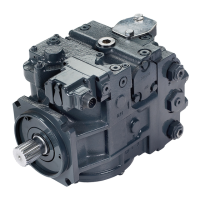
P106 250E
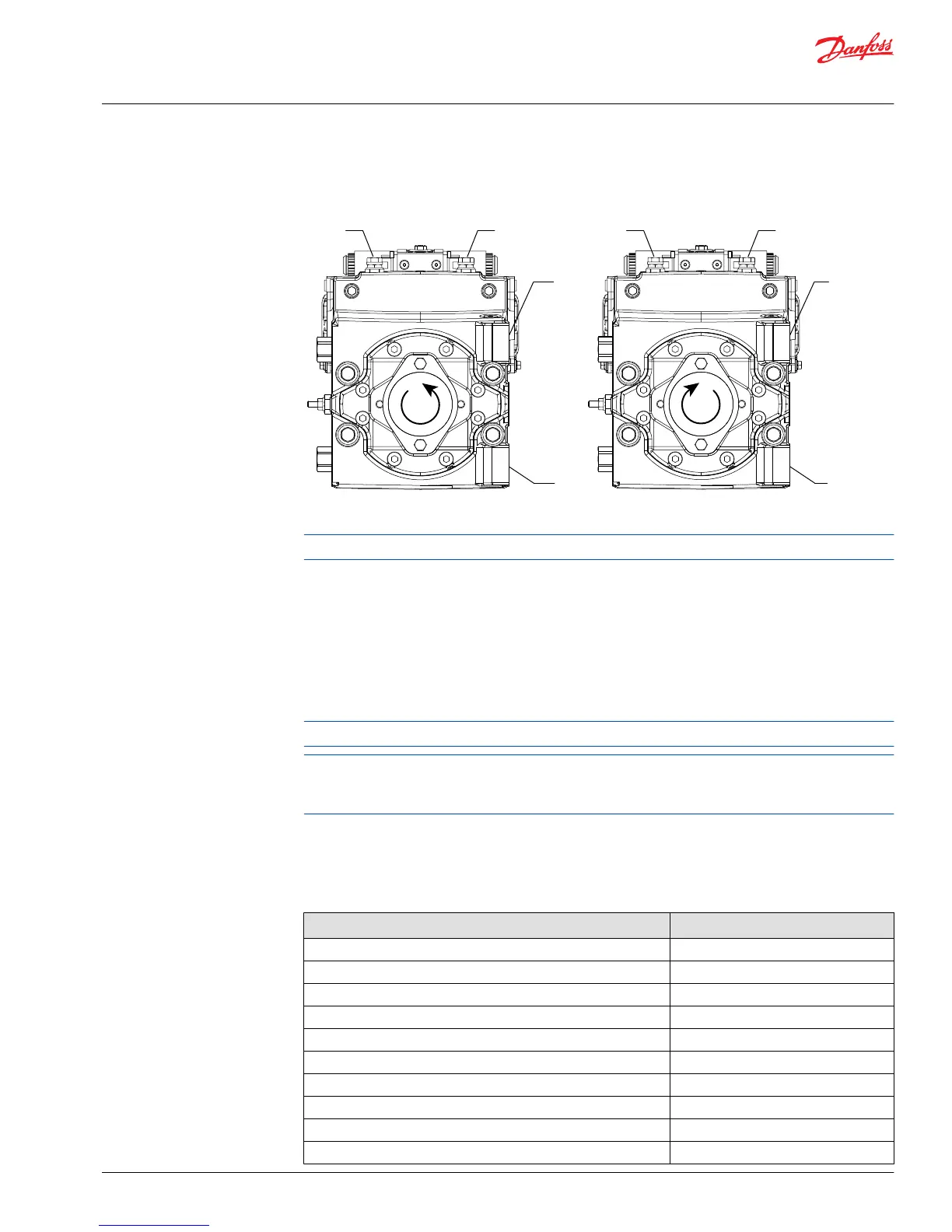
Port B
System
pressure
Port A
System
pressure
Counterclockwise rotation *
Pressure limiter valves
Controls
Port B
Controls
Port A
Port B
System
pressure
Port A
System
pressure
Clockwise rotation *
Pressure limiter valves
Controls
Port A
Controls
Port B
* Clockwise rotation as seen from
shaft end of pump
*
*
* Counterclockwise rotation as seen
from shaft end of pump
Endcaps are different for clockwise and counterclockwise rotation.
2. Start the prime mover and operate at normal speed.
3. Use a 17mm wrench to loosen the locking nut (L024).
4. Activate the control input until pressure in the high side of the system loop stops rising. This pressure
is the PL setting.
5. Return the pump to neutral and adjust the PL setting using an internal hex wrench. Wrench size is in
the diagram on the previous page. Turn the adjusting screw clockwise to increase the PL setting,
counterclockwise to decrease it. The adjustment is very sensitive. Change per turn is approximately
150 bar [2176 psi].
Change per turn is 150 bar/rev [2176 psi/rev].
The model code on the serial plate gives the factory setting of the PL (Pressure Limiter). The PL setting
is referenced to charge pressure. Subtract charge pressure from system pressure gauge readings to
compute the effective PL setting.
6. Repeat steps four and five until you reach the desired PL setting. After adjustment, torque the locknut
(L024) to 20 N•m [15 lbf•ft]. Do not over torque.
7. Shut down the prime mover. Remove gauges and replace plugs.
Pressure Limiter Settings
Pressure limiter setting HPRV setting
150 200
180 230
200 250
230 280
250 300
280 330
300 350
330 380
350 400
380 420
Service Manual
H1 Pumps 069/078, 089/100, 115/130, 147/165, 210/250
Adjustments
©
Danfoss | May 2018 520L0848 | AX00000087en-US0308 | 33


 To Next Page