STXC2 User’s guide
Version 2.0
24 of 30
When the sub menu Override set points is selected:
Override set points for humidity, minimum supply temperature and fan speed are selected in this
menu.
Humidity %: This menu item is only visible if “YES” is choosen in the “Humidity sensor” menu in
the controller configuration menu. For further information, please see the service
manual, section 5.
When the measured humidity rises above the set point (40 - 70%), the fan speed
increases to 100%. See chapter 3.5 Humidity override for further information.
Min. supply: The minimum supply temperature (5 - 40°C).
Fan override: The set point 0 - 100% defined by a sensor output signal 0 - 10V (0 - max.value).
When the measured input value rises above the set point, the fan speed increases to
100%. See chapter 3.6 Fan override for further information.
Max. air volume:
Key in the maximum allowed air volume at override (humidity or fan override)
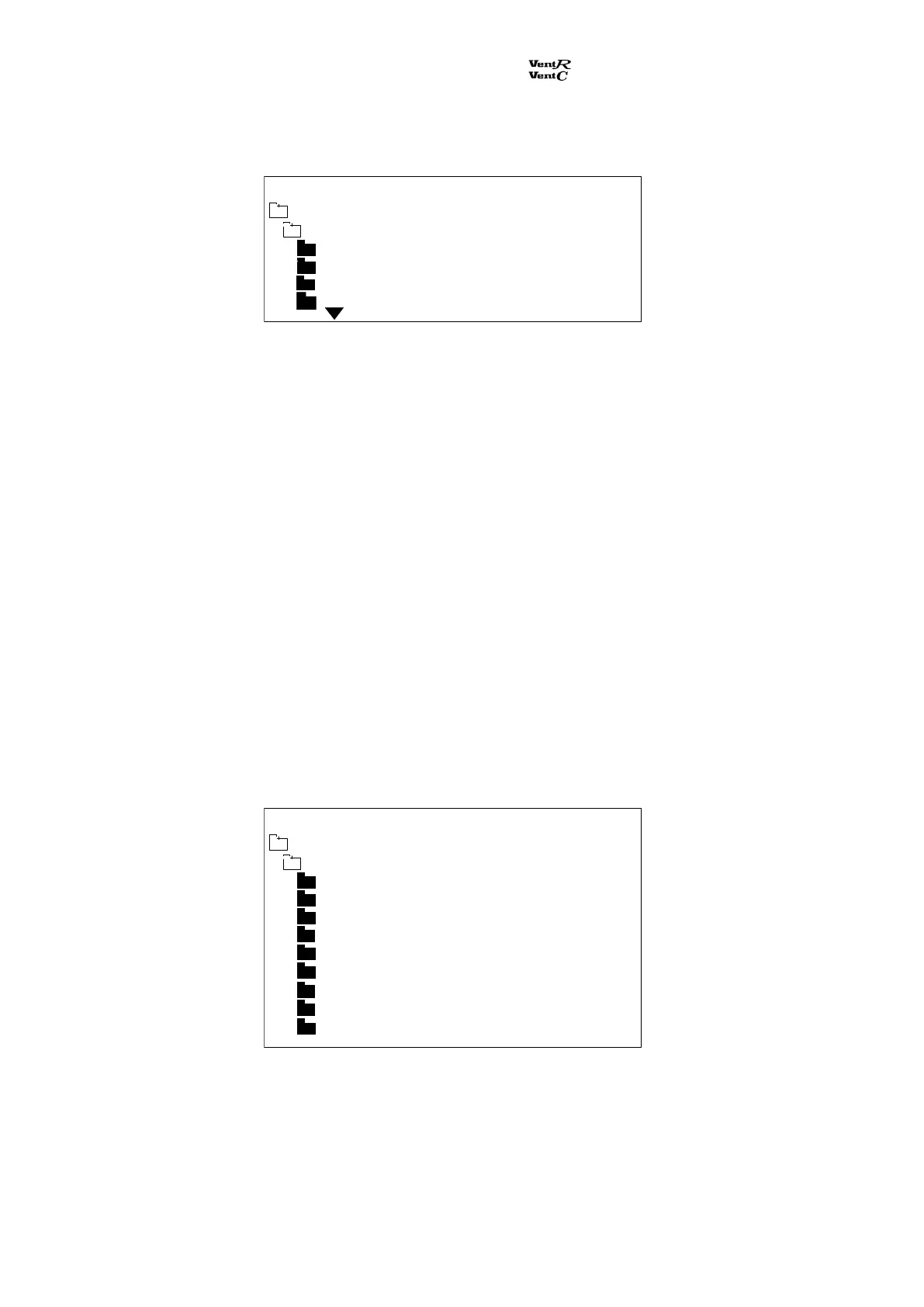
When the sub menu Processor is selected:
Here the data for the control system are listed.
Run time: The total running time (hours) for the ventilation unit.
Comm error % and rest of the data points: Data used by Dantherm Air Handling AS/.
Main menu Monday 12:21
Humidity % 63
Min. supply 16
Fan override 10
Technical data
Override set points
Run time 00023
Comm error % 034
STCU CpuVer 017
STXC CpuVer 015
STPT CpuVer 011
STHP CpuVer
STIO CpuVer
Mode 9
Main menu Monday 12:21
Technical data
Processor
Com Retry 00726


 To Next Page