STXC2 User’s guide
Version 2.0
23 of 30
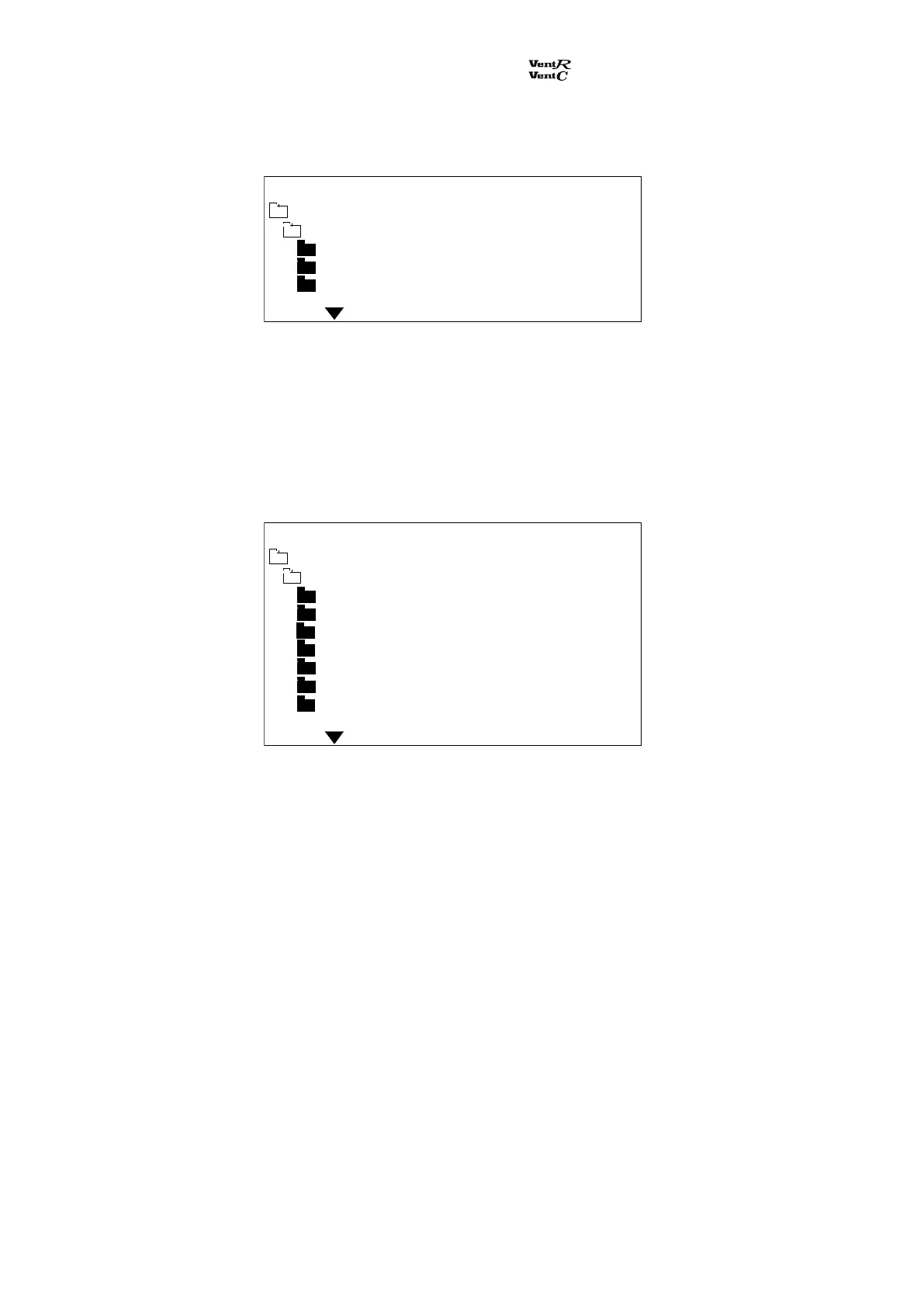
When the sub menu Function switch is selected:
Here the function switch position is indicated. A selected position is shown as On, the other
positions are shown as Off.
If every data point is shown as Off, the function switch is in position OFF and the ventilation unit is
stopped.
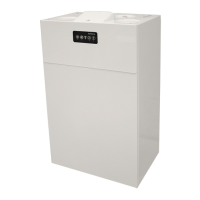
When the sub menu On/off outputs is selected:
Here the status for the outputs is indicated.
Supply fan: On (fan runs) and Off (fan is stopped).
Exhaust fan: On (fan runs) and Off (fan is stopped).
Bypass damper: Open (damper opens), Close (damper closes) and
Stop (damper motor is stopped).
Ambient damper: Open (damper opens), Close (damper closes).
Lamp green: On - voltage on the ventilation unit.
Lamp red: On - a critical failure on the ventilation unit. Off - no critical failure.
Lamp yellow: On - a filter is dirty. Off - no dirty filter.
Main menu Monday 12:21
Function auto On
Function low Off
Function high Off
Technical data
Function switch
Main menu Monday 12:21
Supply fan Off
Exhaust fan Off
Bypass damper Stop
Ambient damper Close
Lamp green On
Lamp red On
Lamp yellow Off
Technical data
On/off outputs


 To Next Page