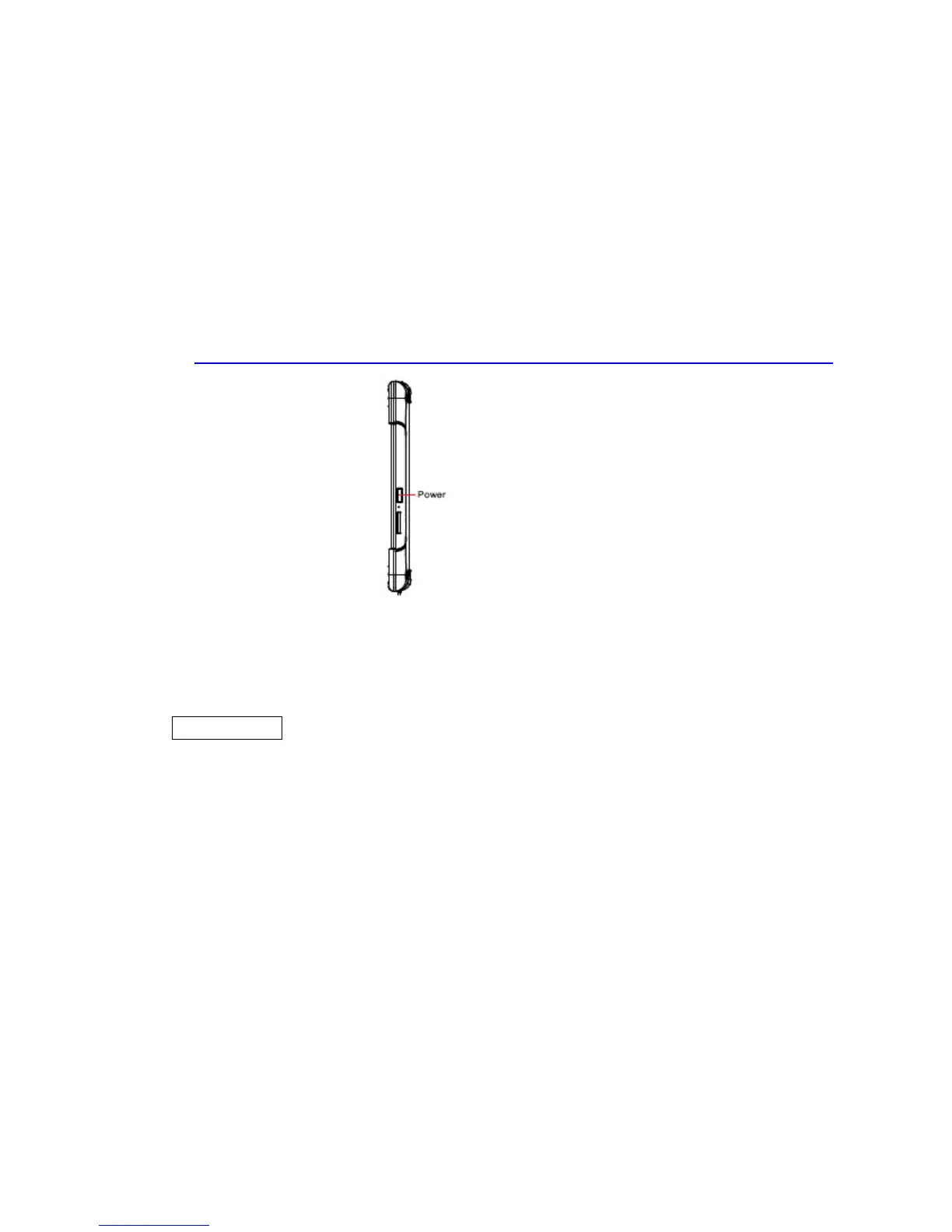
1.2 Turning On and Off the Tablet PC
1.2.1 Turning on the Tablet PC
1. Place the tablet PC on a flat and stable surface or hold the tablet PC on your hand.
2. Make sure the tablet PC is either connected to AC power or the battery pack with
power.
3. Press the power button on the right side for 2-3 seconds to turn it on..
1.2.2 Turning off the Tablet PC
To turn off the tablet PC power, use the “Shut Down” command of your
operating system.
**Caution
If you have to turn the tablet PC on again immediately after turning it
off, wait for at least five seconds. Turning the tablet PC off and on
rapidly can damage it.



 To Next Page