3.2.3 Checking the Battery Level
Battery levels indicated on the tablet are estimated. The actual operating
time can be different from the estimated time, depending on how the tablet is
being used.
In the Windows operating system, you can check the approximate battery
level using the battery meter function. To read the battery level in Windows,
click the icon on the taskbar. (Click the icon if the tablet PC is using AC power.)
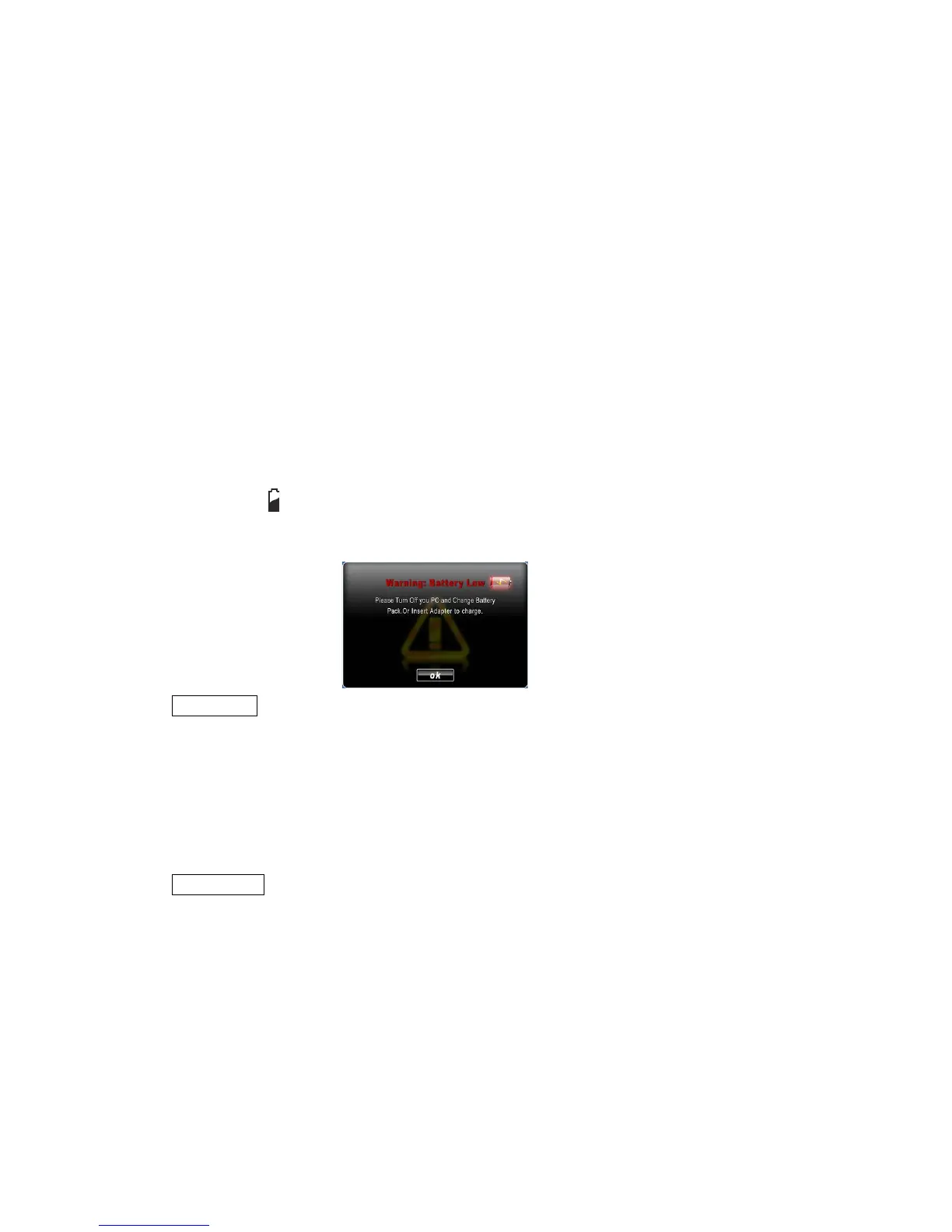
3.2.4 Low Battery Signals and Actions
Low battery occurs when the battery has approximately 10% (Windows
default setting) of its charge remaining. The tablet PC’s Battery Charge
Indicator ( ) blinks red and the system will indicated that the batter is
low to alert you take action.
NOTICE:
You can set up the Battery Low threshold and signals under Windows
settings. Immediately save your data upon Battery Low. The remaining
operating time depends on how the tablet is being used. The audio
subsystem, hard drive or USB flash drive, for example, may use the
battery charge quickly.
CAUTION:
1. If you do not take any action, the tablet PC will automatically hibernate
and turn off.
2. If you fail to save your data when the battery completely runs out of
charge, data will be lost.
3.3 Power Management
The M9700 supports ACPI (Advanced Configuration and Power Interface) for



 To Next Page