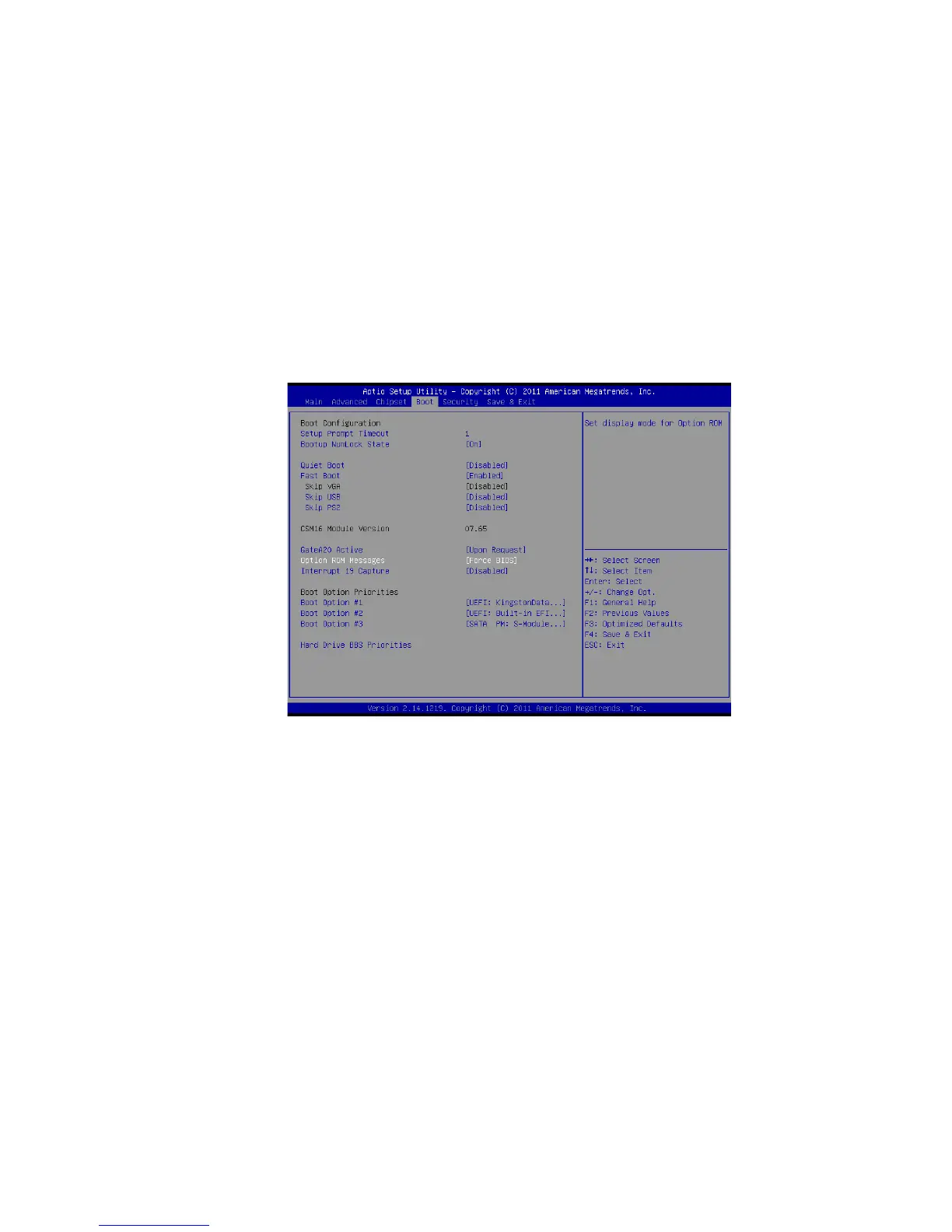
4.2.4 Boot Menu
The boot menu sets the sequence of the devices to be searched by the
operating system.
The bootable devices will be automatically detected during POST and shown
here, allowing you to set the sequence that the BIOS uses to look for a boot
device from which to load the operating system. A brief description of button
usage is listed:
4.2.5 Security Menu
In the Security menu, users can set an Administrator Password, User
Password, and HDD Security Configuration.



 To Next Page