2.2.2 Using the Hotkey Function
Hotkey Function
Use the HotTab software utility to make it easy to program and define hot
keys.
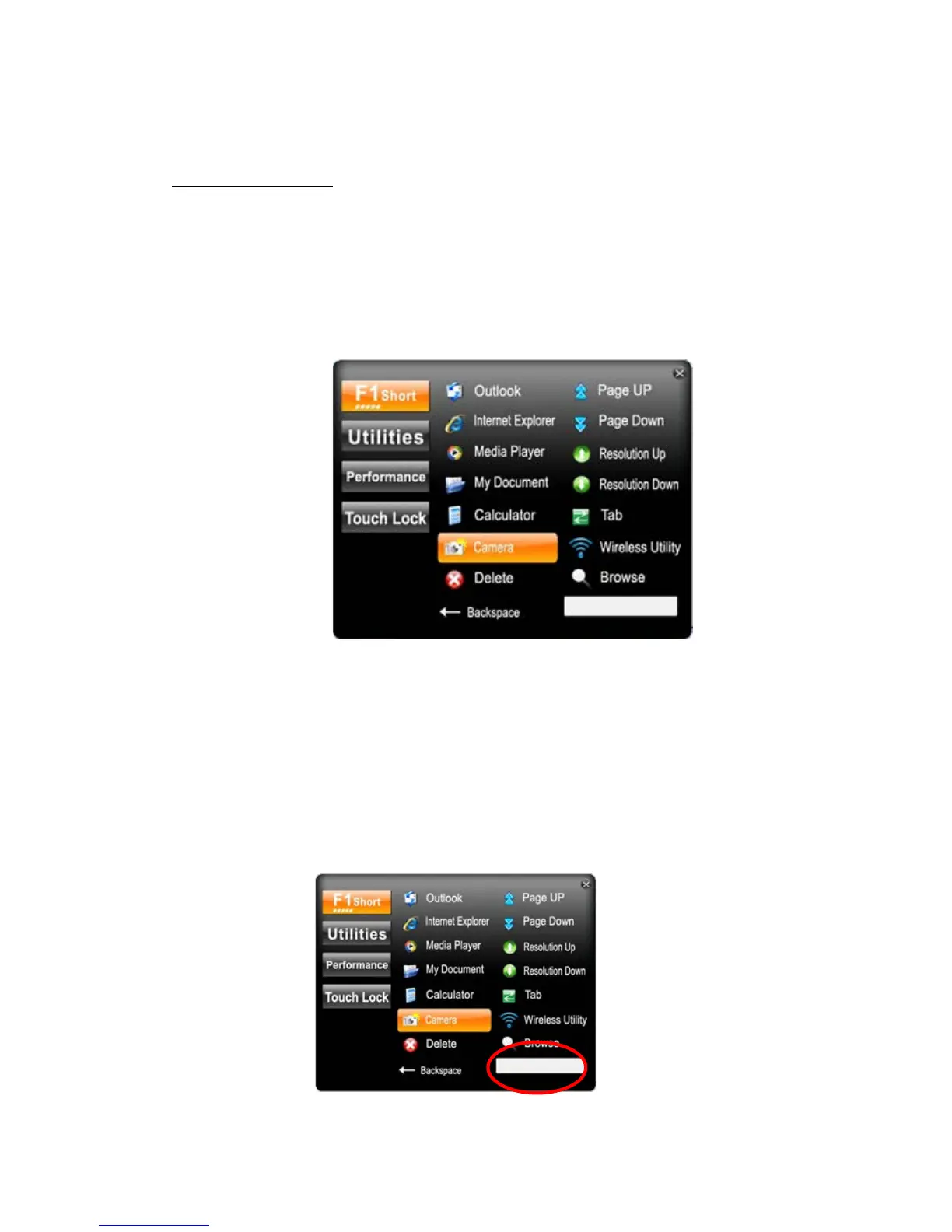
Long press (3-4 seconds) the F1 button on the top of your M9700 and the
software application will appear at center of the desktop. The Hotkey
software program is the programmable application software for defining the
Hotkey.
Choose one software application as your hotkey function. After that, the
software application you set will open immediately when you short press the
F1 button.
1. F1 Short function key
You can set F1 button as a hotkey to open the programs listed on menu or use “Browse”
and choose the execution program file.



 To Next Page