M9700 User Manual DAP Technologies
13
1.4 Taking a Look at I/O Functions for the M9700
This section we will show the Tablet PC external connection parts and their
functions.
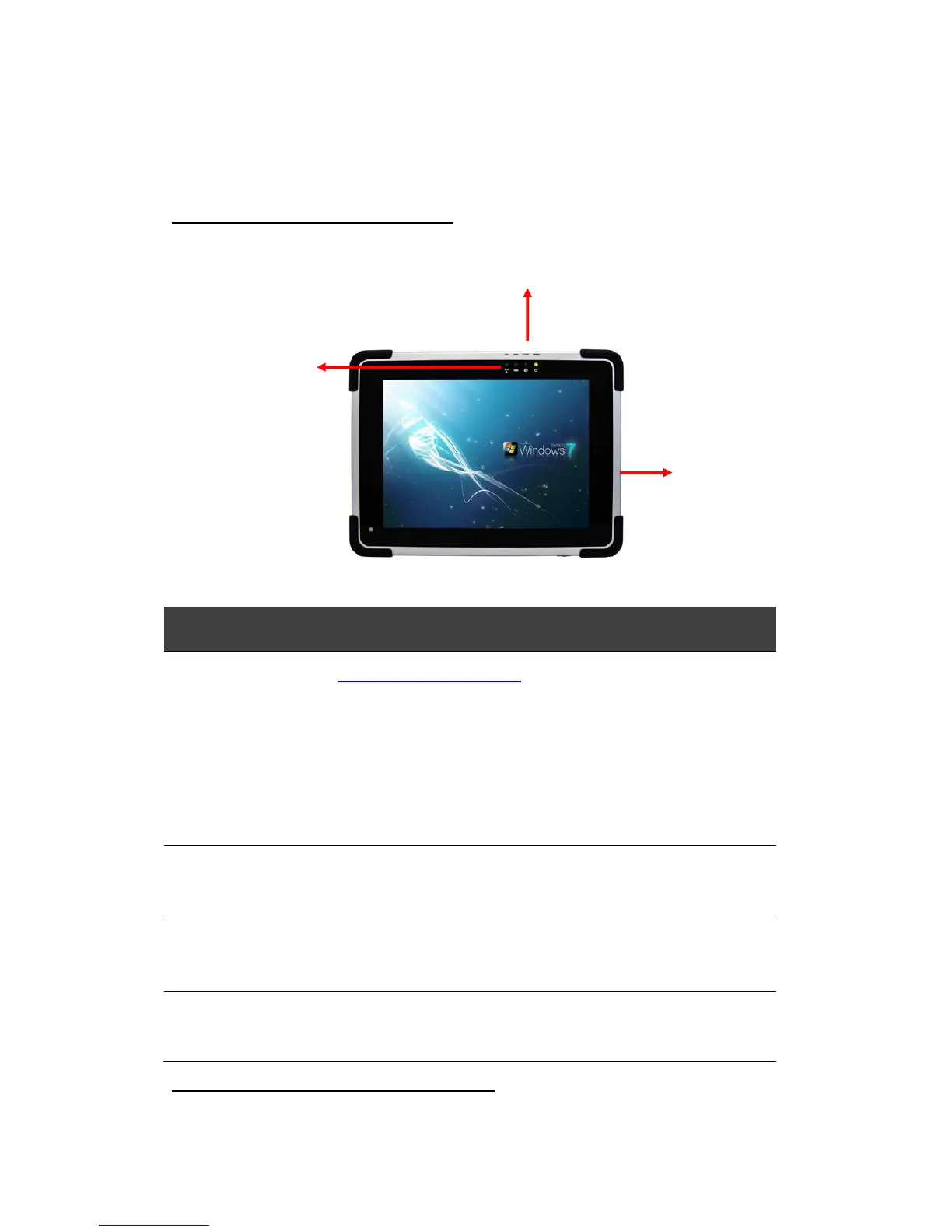
Front Side Control Functions
# Components Function Description See Other Info
1 Power Button Press for 2-3 seconds to turn on the
PC.
Press once to turn off backlight when PC
is on.
Press once to turn on backlight when
backlight is off.
Press for 8 seconds continuously to
2 LED Indicator From right to left, these indicate Power,
Battery, Storage and WiFi status.
3 Menu Push Menu function to show Brightness,
Volume, Battery status and WiFi/
Bluetooth on/off.
Chapter 2.2.1
4 Hotkey (F1) 1 programmable Hot-key for user to
define by application
Chapter 2.2.2
LED Indicator Status Description
Hot Key:
LED Indicators
WiFi, HDD, Battery, Power
Power Button



 To Next Page