2.2 Quick to Know Menu and HotTab Hotkey Function
The function buttons are a useful and easy way to adjust brightness and
volume, as well as check current battery status.
The programmable hotkey function can also be user-defined to control an
application.
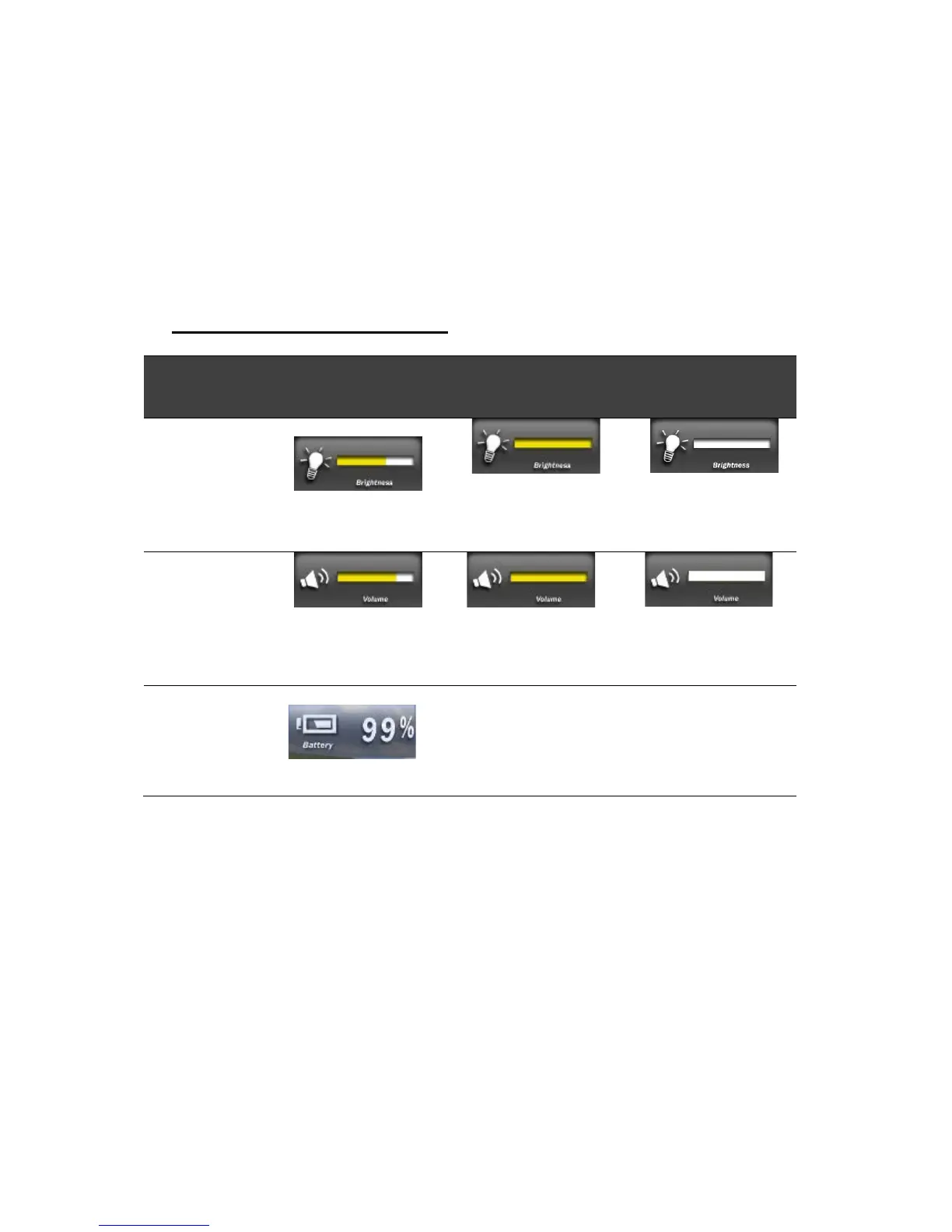
2.2.1 How to use Menu Functions
Menu Function Adjustments
# Action Function
Description
Funtion Adjustment
1 Press
“Menu”
button
1
st
time
Show brightness
Click “Vol+” button to
increase brightness (or drag
by touch)
Click ”Vol-” to decrease
brightness (or drag by
touch)
2 Press
“Menu”
button
2
nd
time
Show volume Click “Vol+” button to
increase volume (or drag by
touch)
Click ” Vol-” to decrease
volume (or drag by
touch)
3 Press
“Menu”
button
3
rd
time
Show battery status



 To Next Page