Menu Function Adjustments (continued)
# Action Function Description Funtion Adjustment
4 Press “Menu”
button
4
th
time
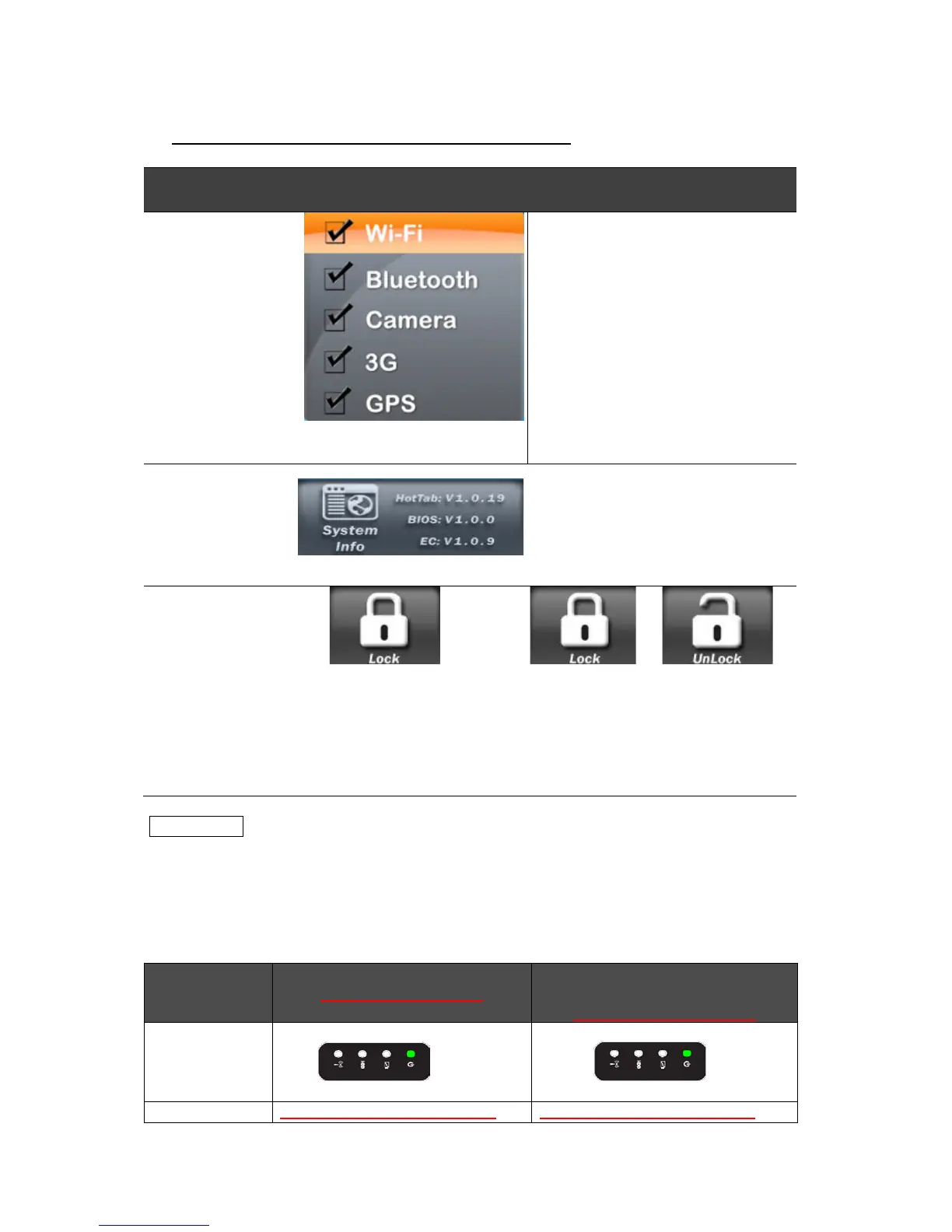
Show current on/off for
Wireless/Bluetooth/Camera
and 3G/GPS mode.
1. WiFi on/off
2. Bluetooth on/off
3. Camera on/off
4. 3G on/off (Optional)
5. GPS on/off (Optional)
5 Press “Menu”
button
5
th
time
View system information.
Press “Menu”
button
continuously
for 5 seconds
Lock/Unlock all button function Press 5
seconds to
lock all
buttons
**
(not including
touch)
Press 5 seconds to
unlock and resume
normal button
operations
**NOTICE
If you shutdown the tablet PC using the operating system(by touch) while
under the Lock condition, you CANNOT turn on the Tablet PC using the
power button. You will first need to press the Menu button for 5 seconds to
Unlock the system and resume normal button operation before turning on
the system using the power button.
Action



 To Next Page