2.2.4 Using the Bluetooth Wireless Feature
The M9700 includes a Bluetooth 2.1+ EDR module. Depending on your
application, the Bluetooth module can provide the capability for short-range
wireless communicaiton between devices, without a cable connection. The
transmission can go through walls, pockets and briefcases as long as the two
devices are within a range of about 10 meters. Follow the easy steps to
connect to the Bluetooth communication.
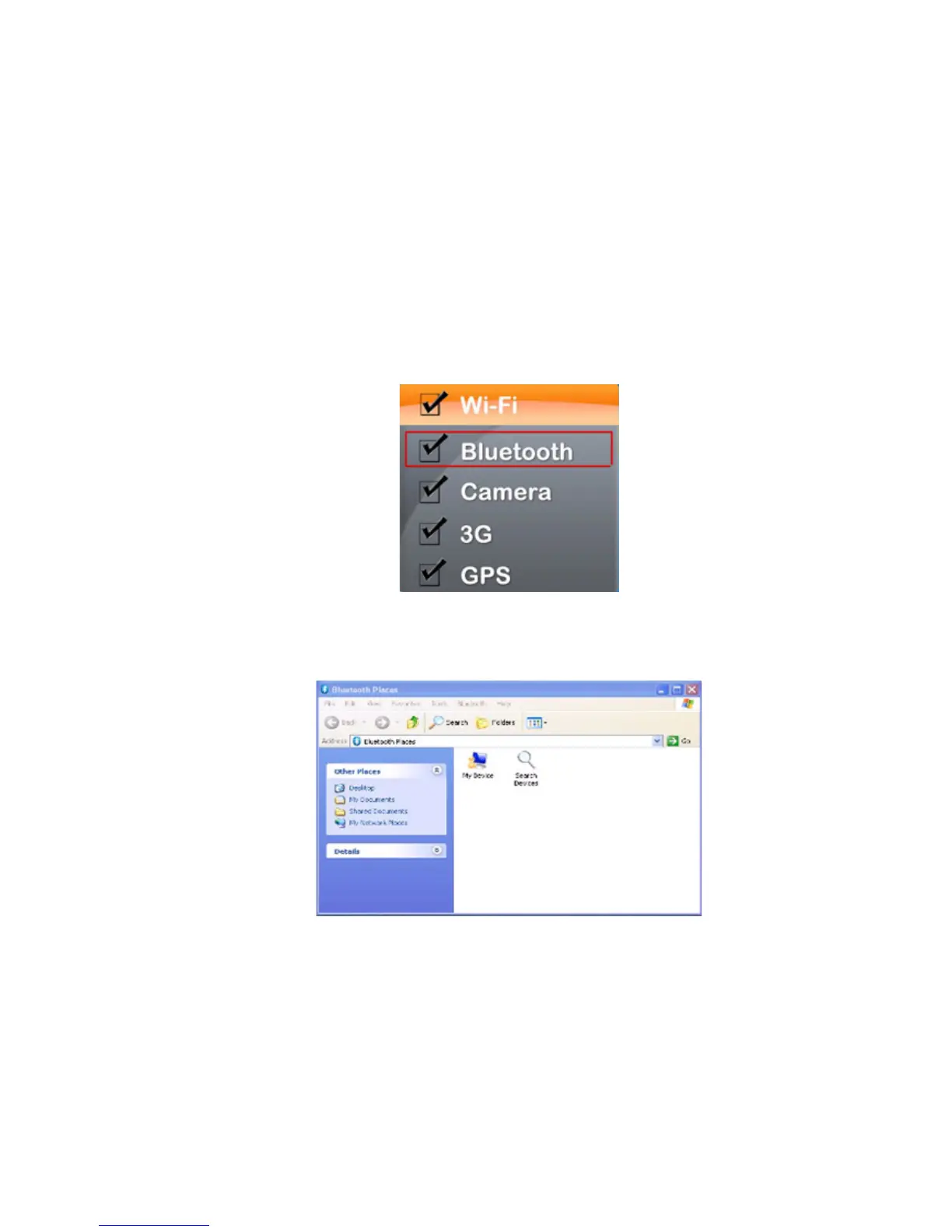
1. Push “Menu” button 4 times and make sure the Bluetooth function is “On.”
2. Double click the Bluetooth shortcut and it will search any Bluetooth device automatically.
Or double click “Search Devices” to search.



 To Next Page