2.2.6 Using the Camera Feature
An internal 2MP web camera module in incldued in the M9700.
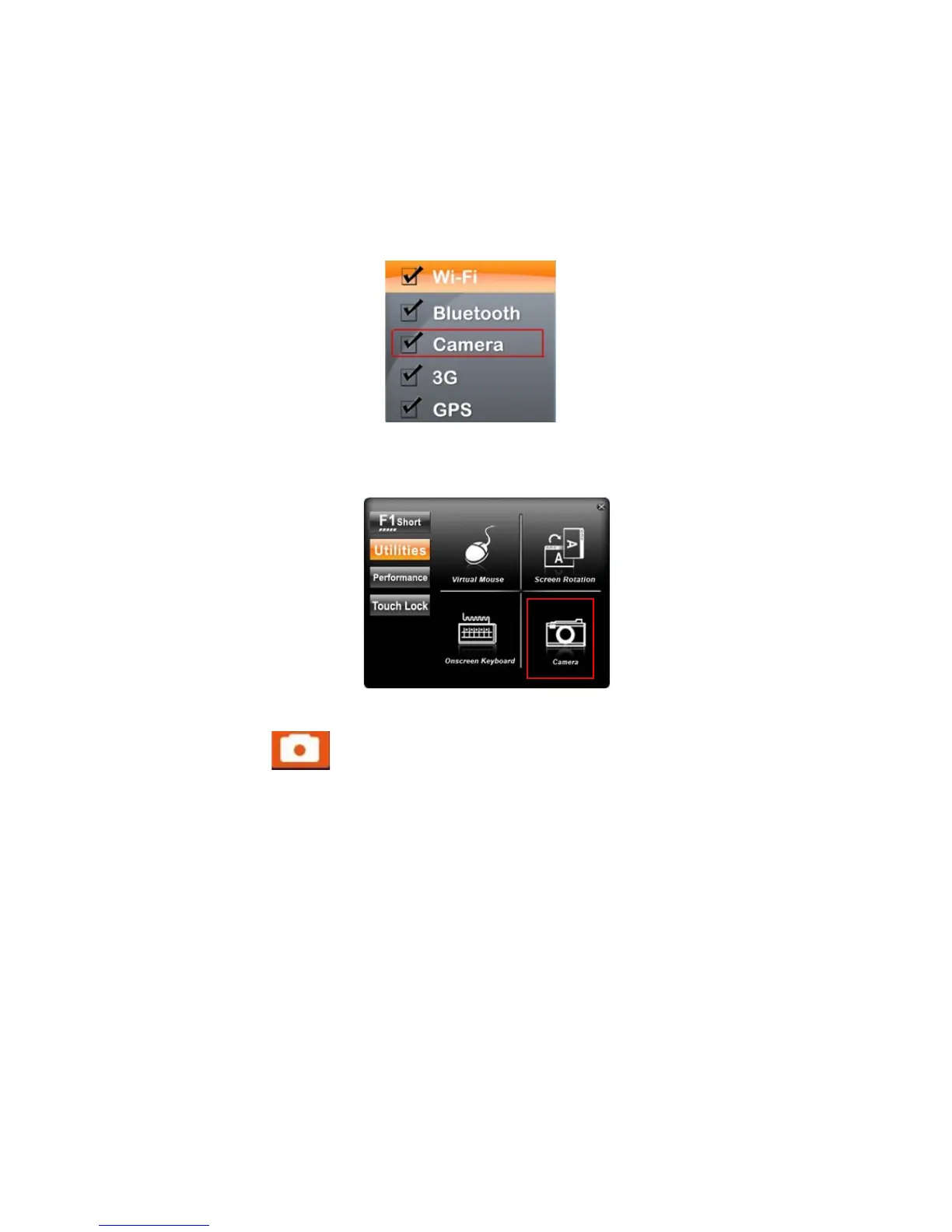
1. Push the “Menu” button 4 times and make sure the Camera function is “on.”
2. Press “F1” button for approximately 5 seconds to open the HotTab utilities menu. Then
choose the camera function.
3. Click the icon to take a picture.
* Picture & video save path: C:\Webcam



 To Next Page