70
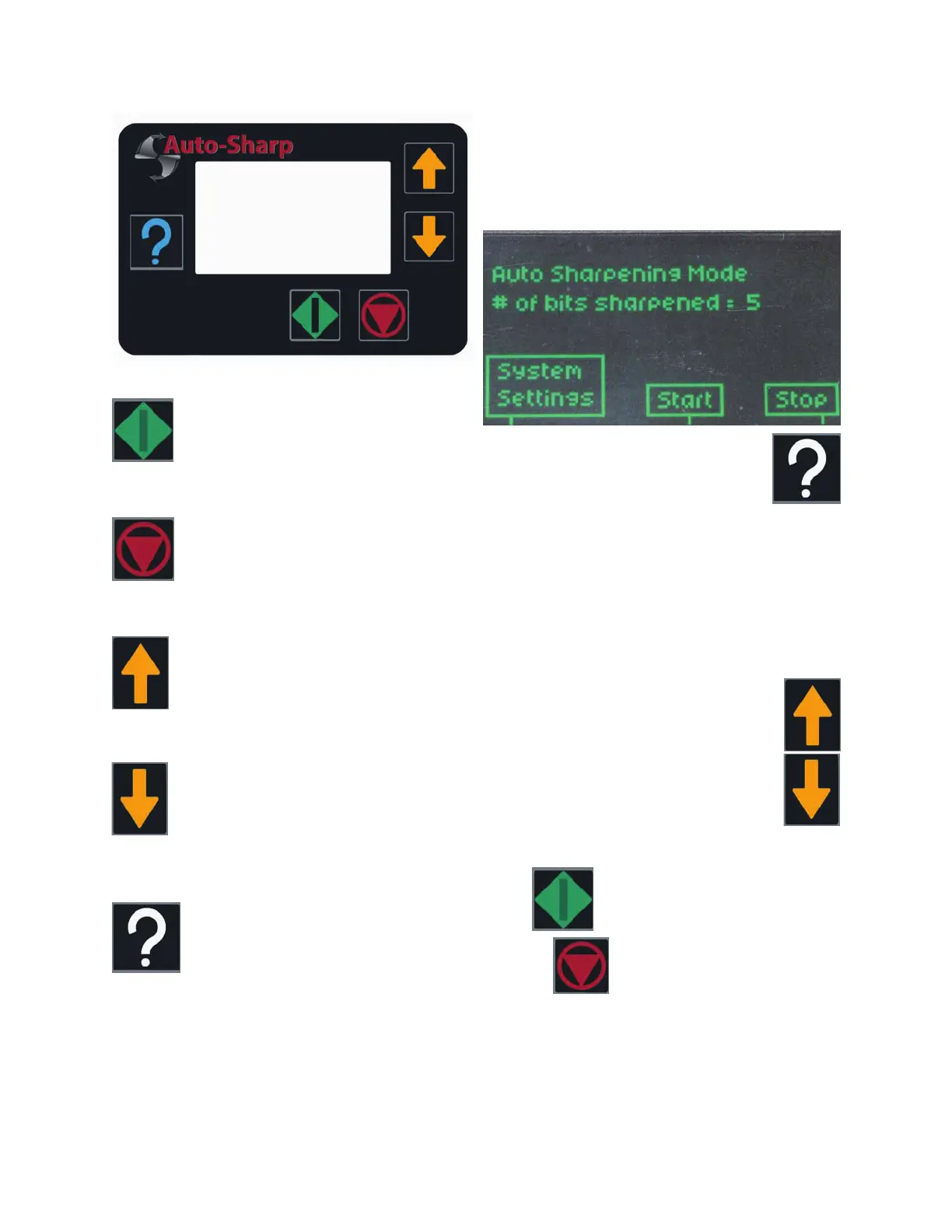
CYCLE START/SELECT/SAVE:
CYCLE STOP/STOP/EXIT:
ARROW UP:
ARROW DOWN:
SYSTEM SETTING:
To operate the Auto Attachment you must first
power up the XT-3000 sharpener. Once pow-
ered up, the grinding wheel on the XT-3000
will begin to turn at full speed and the Control-
ler/Display screen will illuminate.
To access the complete menu, touch
the System Settings button located
on the left of the screen.
This will display the full menu:
• Clean Up Turns
• Auto/Manual Select
• Reset Bit Count
• Language Selection
• Motor Stall Delay
• Grind Sensitivity
• Factory Bit Count
• Software Version
Use the Arrow up and Arrow down but-
tons to view the entire menu. When
the text of the menu option has
changed to bold, the secondary menu
option can be accessed.
To select and enter into each secondary menu
touch
Pressing will allow you to exit the
sc
reen you are working in.
Display Details


 To Next Page