I N S T A L L A T I O N M A N U A L H 5 0 0 0 H Y B R I D I N V E R T E R
R e v . 2 © 2 0 1 7 D a r f o n E l e c t r o n i c s C o r p . 14 | P a g e
C. Passwords
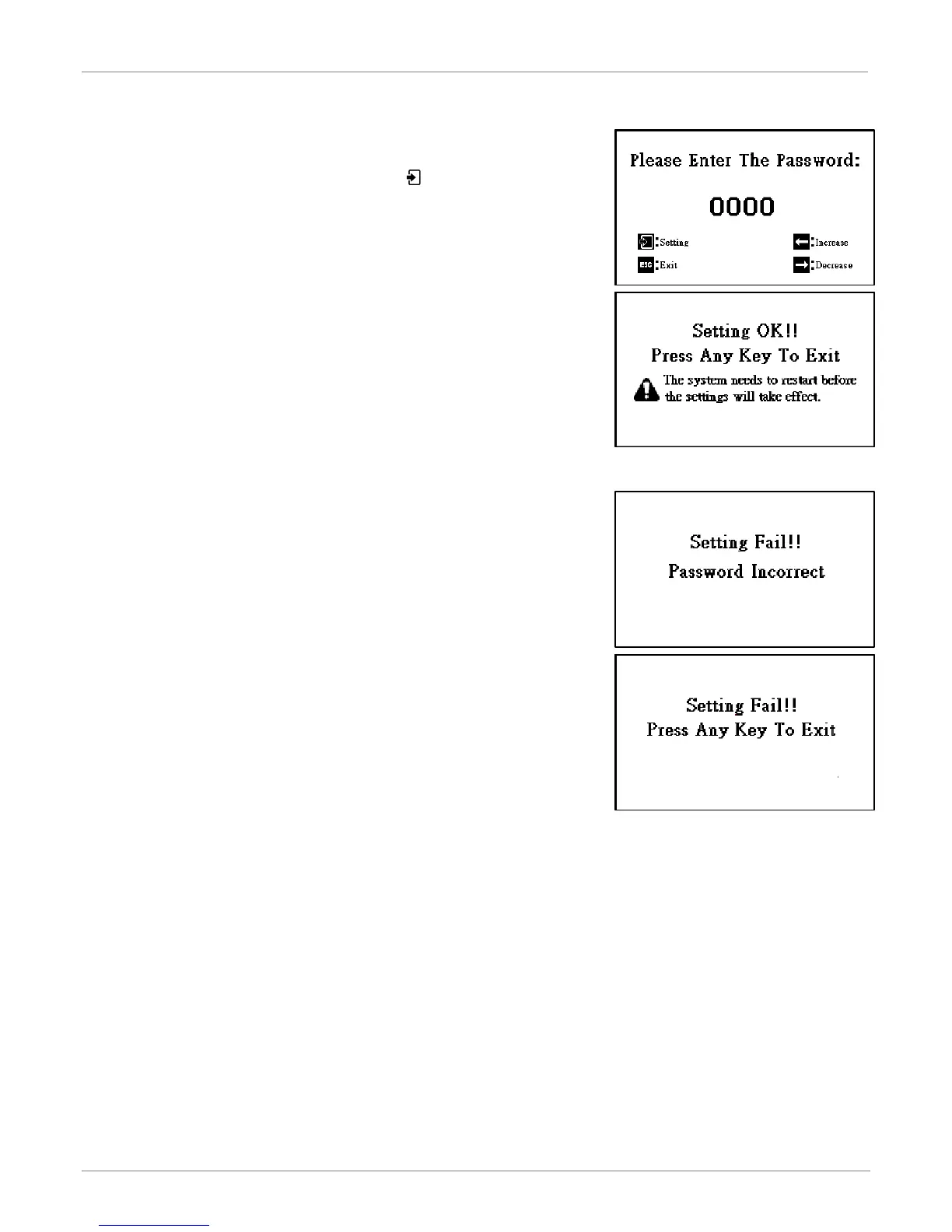
Any changes made to the system settings (mode or time) will prompt you
to enter the four-digit user password. The first digit will flash. Use the
←
or
→
keys to change the number, and then to select the number.
Repeat the process for the remaining three digits. The default user
password is 9999. After entering the password, wait for a few seconds for
the confirmation message.
To modify the settings for “MULTI-INV” and “BATTERY TYPE” at the
bottom of System Setting Page, you will need the factory password. Please
contact your Darfon representative.
If the password was entered correctly, the display will show a “Setting OK!!”
message. The system will now need to be manaully restarted with the
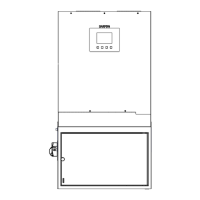
on/off switch on the bottom of the inverter
If the password was not correct, the display will show a “Setting Fail!!
Password Incorrect” message. Please confirm you have the correct
password and try changing the settings again.
If the password was correct, but the display still shows a “Setting Fail!!”
message, you will need you will need exit the screen and go to the Power
Flows page to check for the error code. Look up the error code in the
“Warning and Fault Definition” section of this manual and follow the
instructions for the solution. Once completed and the error code is cleared
try changing the settings again.



 To Next Page