2 Planning the Installation
Whom to Call for Assistance
Ifyouworkwith aDatacard‐authorizeddealer,distributor,orvalue‐addedreseller,contactthem
forassistance.Avalue‐addedresellerprovidestheSR200&SR300cardprintersandLM200&
LM300laminatorsaspartofanoverallsystem.
Ifanycontentsoftheboxaremissing,contactyourDatacard‐authorized
dealer,distributor,or
reseller.IfyoupurchasedyourprinterdirectlyfromDatacard,contacttheDatacardCustomer
CareCenterinyourregion:
Makesurethatyouhavetheprinterserialnumber,locatedonthebackoftheprinter,and
optionallaminatorserialnumber,whenyoucall.
Unpacking the Printer and Laminator
Unpackthecardprinterandthelaminator(ifpurchased)fromtheirshippingcartons.
Packing Lists
Theshippingcartonforthecardprintercontains:
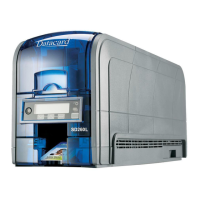
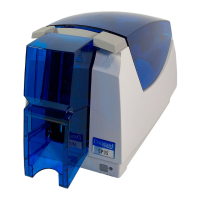
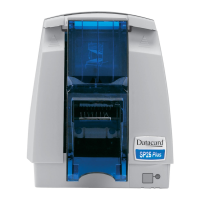
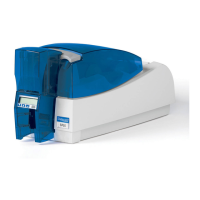
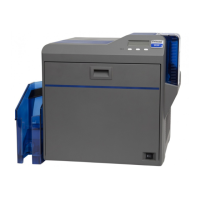
SR200orSR300cardprinter
Powercord
Cleaningcard
Cardstack er
Whitegloves
Tweezers
SR200&SR300andLM200&LM300documentationshippingkit:
ReadMeFirstdocument
Owner’sLibraryCD‐ROM
SR200&SR300CardPrintersandLM200&LM300LaminatorsInstallationGuide
Warranty
SR200&SR300Support(Plug‐in)CD
Americas +1800.328.3996or952.988.2316
Europe,Middle East,andAfrica +441489555627
AsiaPacific +85228210121
ThismanualdescribestheSR200orSR300printerandtheLM200orLM300laminator.
Theinstructionsapplytobothprintersandbothlaminators,exceptwhenstated.


 To Next Page