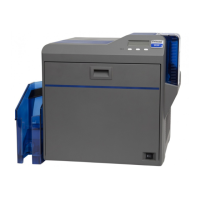
SR200 & SR300 Card Printers and LM200 & LM200 Laminators Installation Guide 47
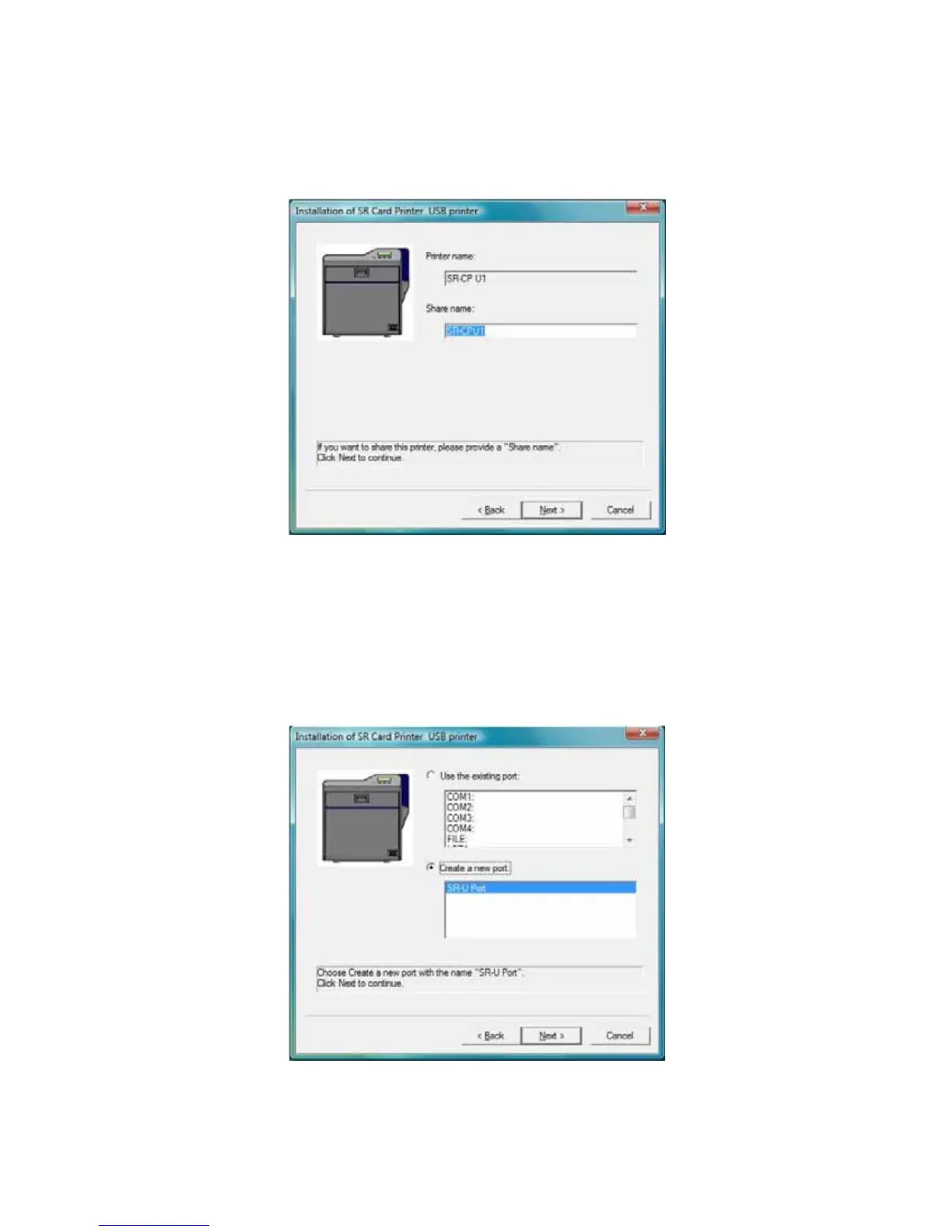
13. Theprinterisinstalledwithsharingenabledbydefault.EnteraSharenameifneeded,and
thenclickNext.TheSharenamecannotcontainanyspaces.
Usetheprinternameshownor,ifyouplantosharetheprinter,removethespacesothat
itdisplaysasSR‐CPU1.
Tosharetheprinter,referto“SharingaPrinteronaNetworkConnection”onpage 76.
Sharingcanbedisabledafterthedriverisinstalled,ifneeded.
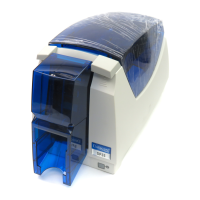
14. SelectCreateanewportandusetheportnameprovided.ClickNext.


 To Next Page