Datacolor 200 User's Guide 9
Datacolor® PAINT Instrument Calibration
When the Calibration Status button is red, you should calibrate the instrument before making any
measurements. The calibration routine consists of measuring the black trap, white tile and green tile.
They are stored in the accessory drawer.
CAUTION
When the calibration status is red, the instrument will not operate. You must calibrate the instrument to
make a measurement.
1. Click on the Calibrate button.
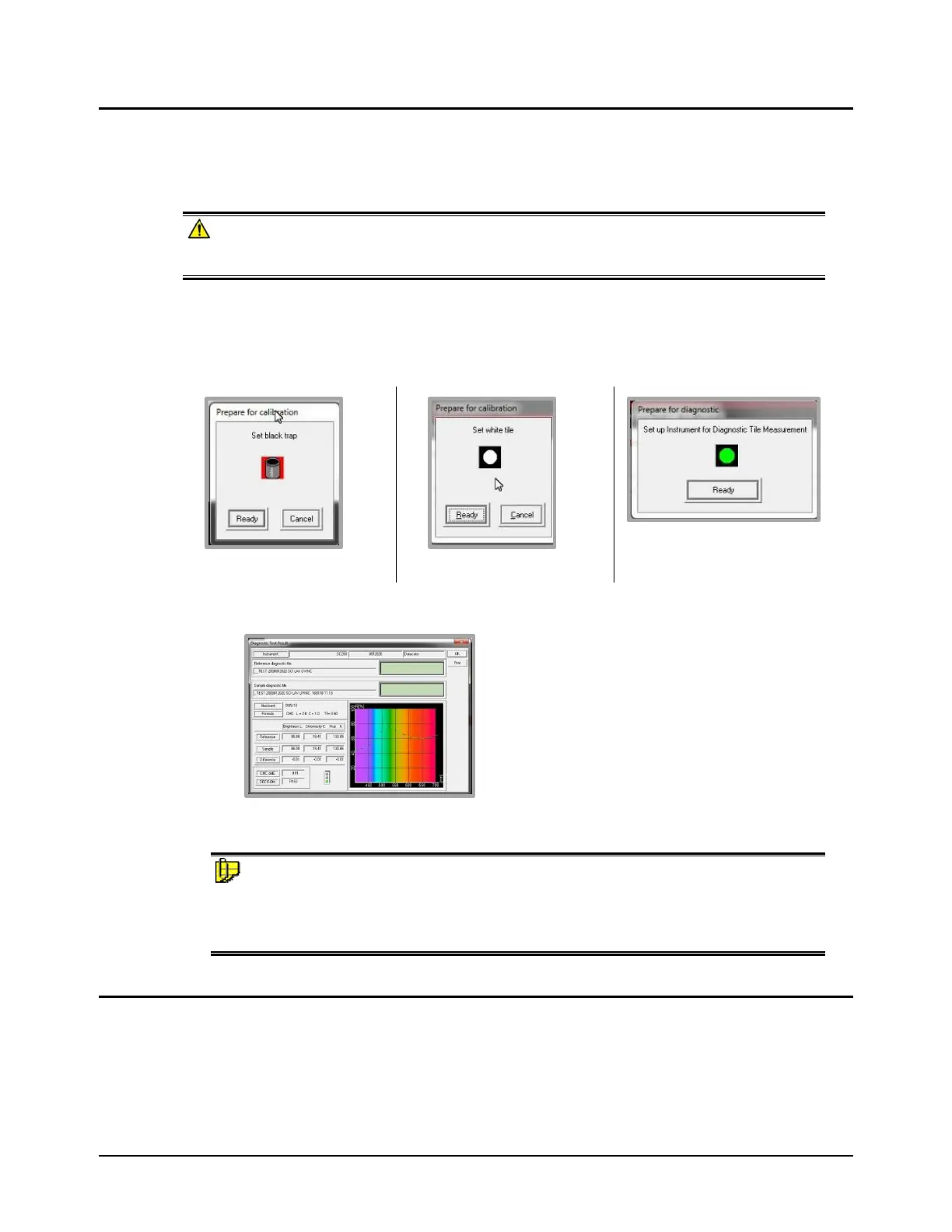
The program will prompt you to measure the black trap, white tile and green tile.
1. Start with the black trap. Position it at the port and press Ready. When the measurement is
completed, repeat this procedure for the white and green tiles.
2. When the green tile measurement is completed, the program displays information about the
measurement.
3. Click Ok. The program stores this as the master measurement for the green tile. You can
now measure samples.
NOTE
Each time the instrument is calibrated, the current green tile measurement is compared to the
stored value. When there are significant differences between the current measurement and the
stored value of the green tile, the service indicator will turn amber, indicating that service is
required.
Setup and Calibration for Other Datacolor Programs
When using programs other than Datacolor PAINT, you must add Datacolor 200 to the instrument list.
Below is the procedure for Datacolor TOOLS. This procedure is used for all Datacolor programs
except Datacolor PAINT.



 To Next Page