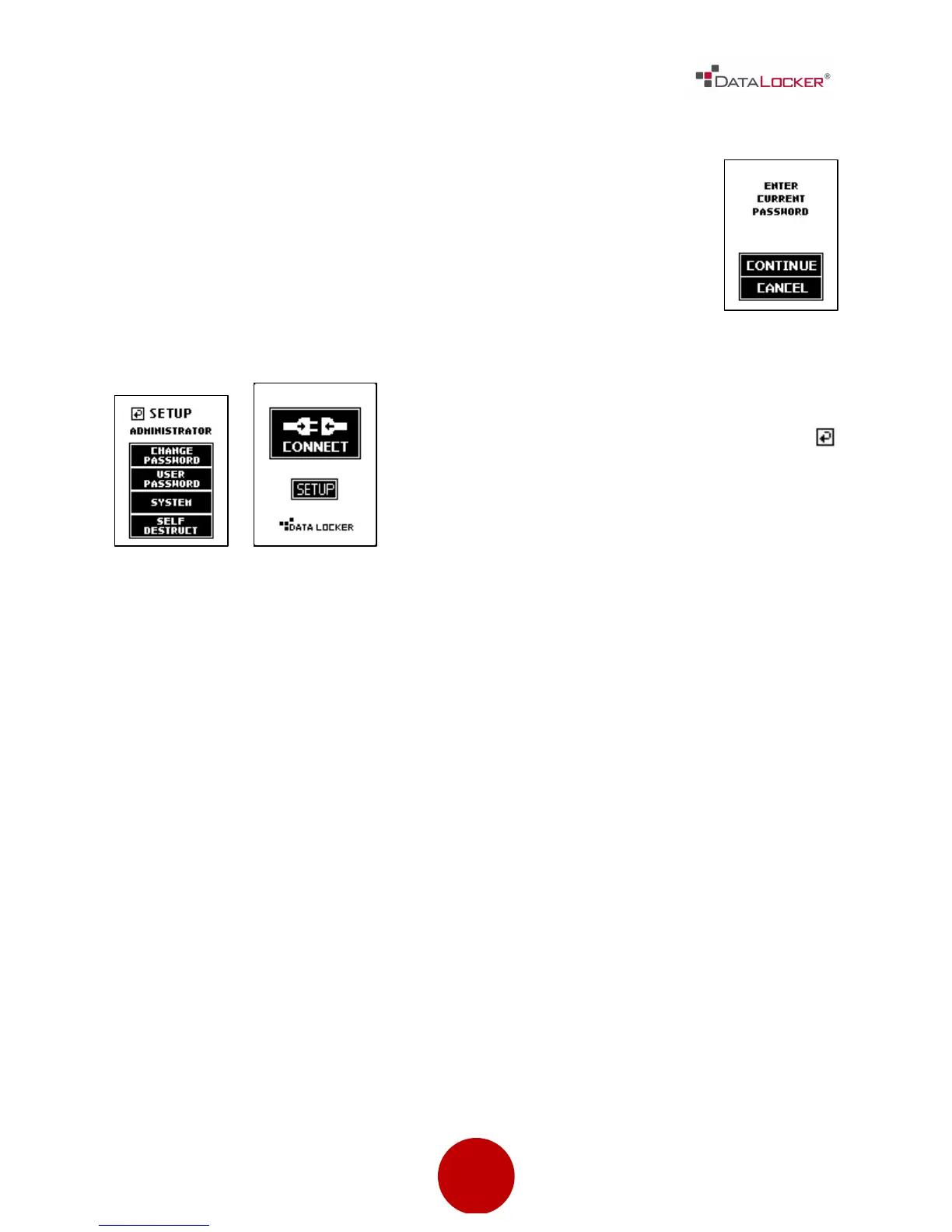
Step 5: Press the [CONTINUE] button and then enter in the
current password, which is 000000. Please follow the
onscreen instructions to set your new password. It is
recommended that you use a combination of both alpha
and numeric characters for your password.
Step 6: After the new password has been set,
you may set other options, or save and go
back to the CONNECT menu by pressing the
button located at the top left hand corner next
to SETUP. Then press the [CONNECT] button to
start using the DL3™ drive.
WARNING: A lost or forgotten password cannot be reset or recovered without
losing all the stored data. If you disable the self-destruct function, you risk being
permanently locked out of your device without the option of resetting the DL3™
back to its factory state.



 To Next Page