!
!
!
At a Glance
INTRODUCTION
Congratulations on your purchase of the DataLocker DL3™ Encrypted Hard
Drive. This user manual is intended to help you configure your device. Because
DataLocker is constantly updating its products, the images and text in this
manual may vary slightly from the images and text displayed by your
DataLocker DL3™. These changes are minor and should not affect the ease of
setup adversely.
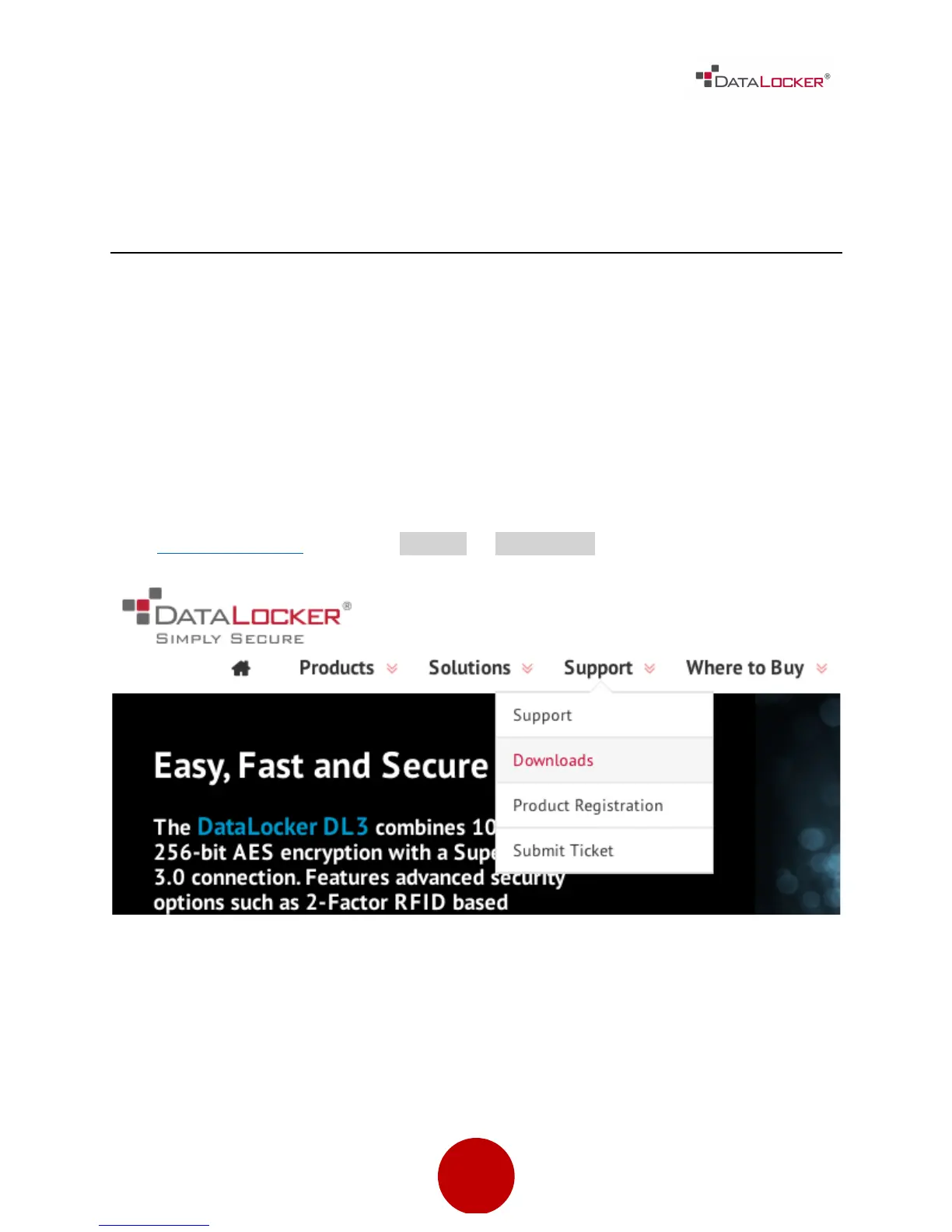
Updated software and documentation are freely available for download at our
website:
Visit datalocker.com | Go to support ! downloads
The DataLocker DL3™ stands alone as the only external hard drive equipped
with a patented, on board, LCD touch screen. This feature allows the user to
conveniently perform all processes directly through the LCD Interface, making it
truly 100% platform independent.



 To Next Page