!
!
!
Advanced
RFID AUTHENTICATION
The DL3™ features an optional RFID module for a second layer of
authentication. A maximum of five RFID tags can be registered on each DL3™
drive. RFID models of the DL3™ come with two RFID tags. If you would like to pair
your own tag, the DL3™ RFID module supports ISO 14443A and ISO 15693 with a
frequency of 13.56 MHz.
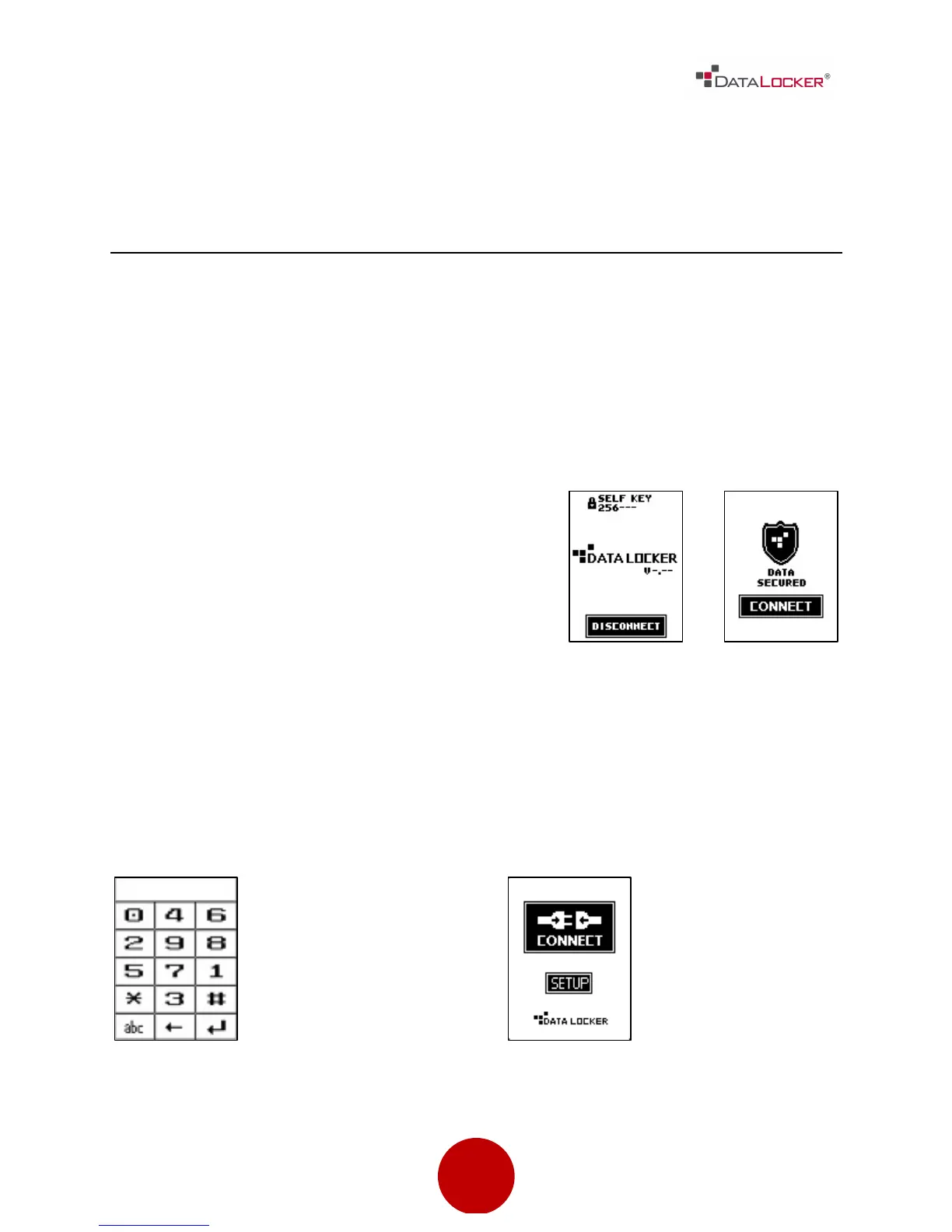
Step 1: If the drive is currently connected,
press the [DISCONNECT] button and then
press the [CONNECT] button on the next
screen. Otherwise, connect the DL3™ drive
to your computer.
Step 2: Once at the keypad screen,
enter the administrator password. If
the password has not been set,
enter the default password 000000
and press the [↵] symbol.
Step 3: Press the [SETUP] button on
the touch screen. If the [SETUP]
button is not selected within three
seconds, the DL3™ will automatically
connect to the host computer.



 To Next Page