!
!
!
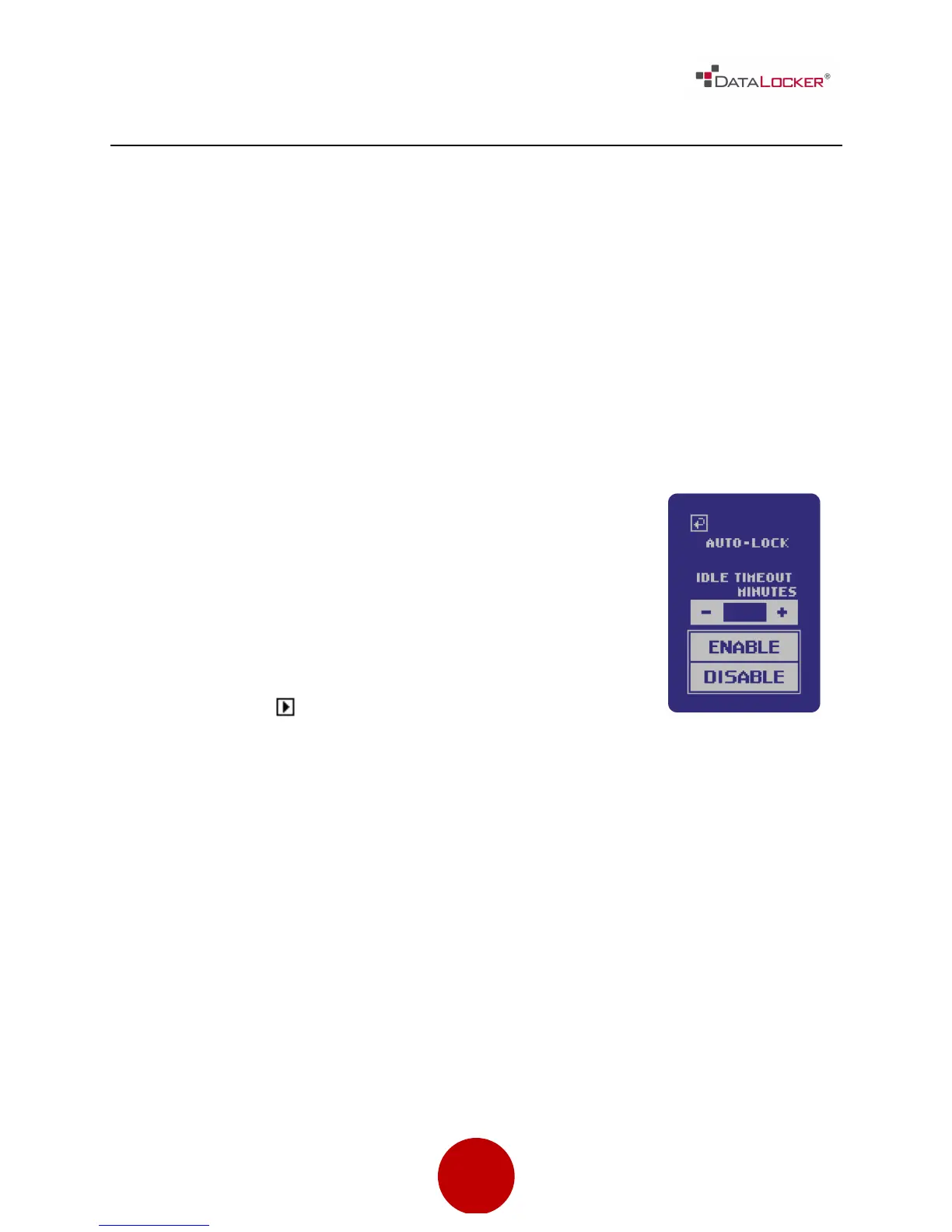
AUTO-LOCK
Auto-lock is a security feature available on the DL3 FE™. This feature is disabled
by default but can be enabled by the administrator and the user. The amount
of idle time required to time out the device is configurable from 10 to 180
minutes in increments of 10 minutes.
Auto-lock will disconnect the drive once it is idle (i.e. zero activity) for the
configured amount of time. The device will beep and display a 30 second
countdown on the touchscreen before the timeout limit is reached. Modifying
the contents on the drive or even viewing the files will reset the timeout counter.
To enable auto-lock, follow these steps:



 To Next Page