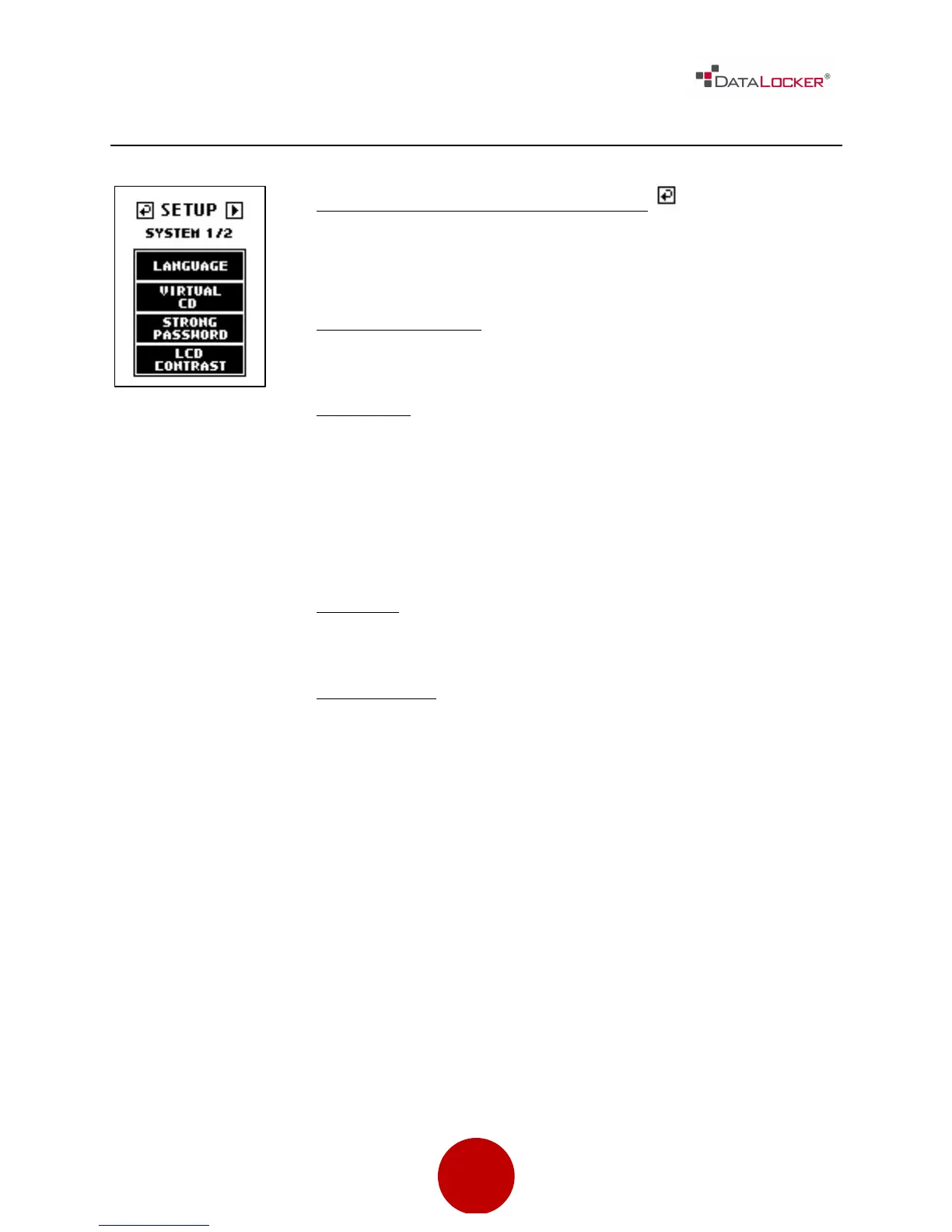
Previous Menu / Save Settings Button
Used to go back to previous menu and save the current
settings.
Change Password
Used to set the administrator password.
Language
Set the menu language. Supported languages are:
• English
• French
• German
• Spanish
Key Tone
Turn the keypad tone ON or OFF.
LCD Contrast
Adjust the LCD screen’s contrast.



 To Next Page