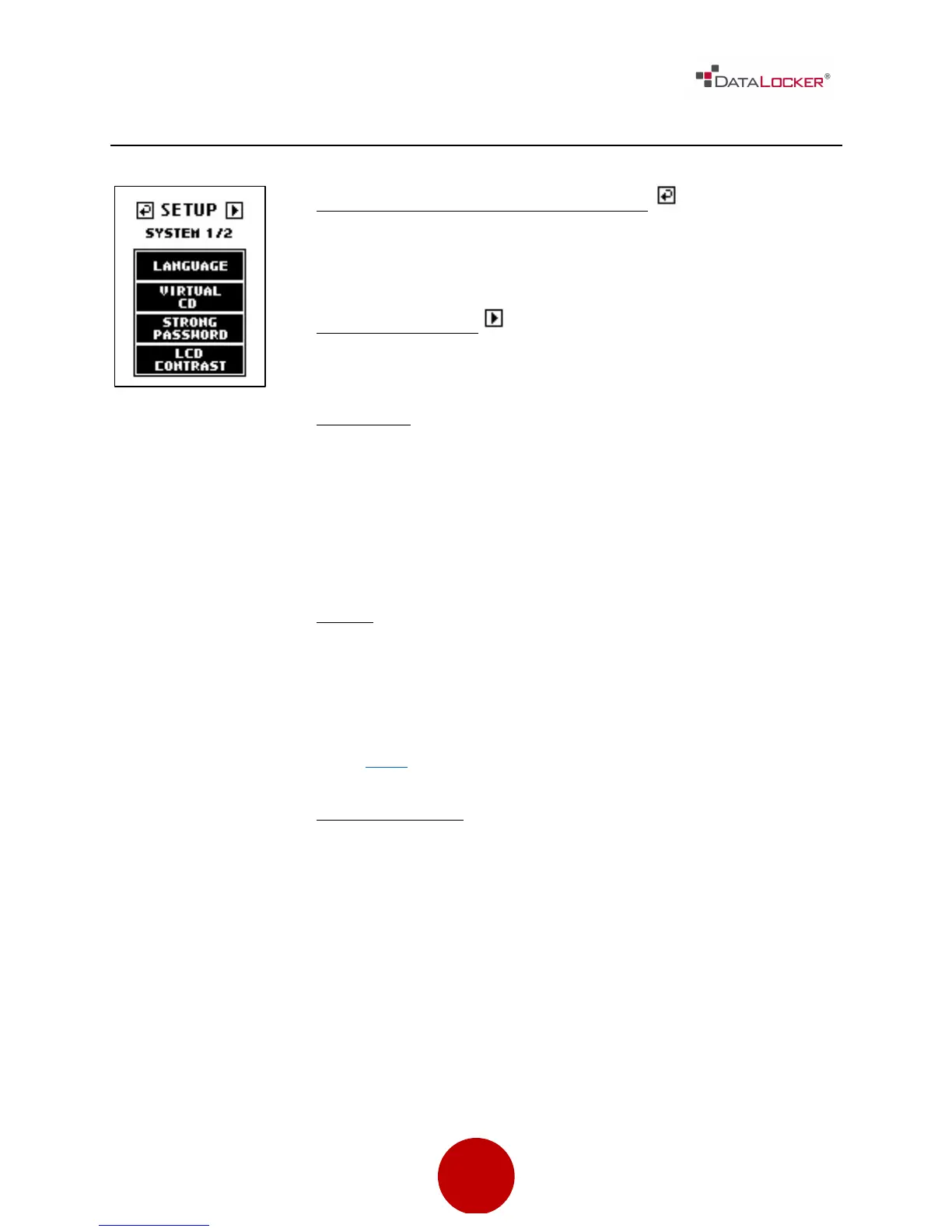
Previous Menu / Save Settings Button
Used to go back to previous menu and save the current
settings.
Next Menu Button
Used to go to the next screen.
Language
Set the menu language. Supported languages are:
• English
• French
• German
• Spanish
Virtual
The DL3™ supports the creation of an UNENCRYPTED
Read Only partition, which is recognized as a CD-ROM.
The Virtual CD is created by using the VCD Utility that is
available on our website.
Click here to download.
Strong Password
The DL3™ allows the administrator to enforce strong
password rules for authentication. With the Strong
Password feature enabled, all passwords must meet the
following requirements:
1. Password must be 8 characters long or greater. The
minimum password length is adjustable from 8 to 32
characters.
2. Sequential passwords such as "12345678",
"98765432", "ABCDEFGH", "HGFEDCBA"



 To Next Page