!
!
!
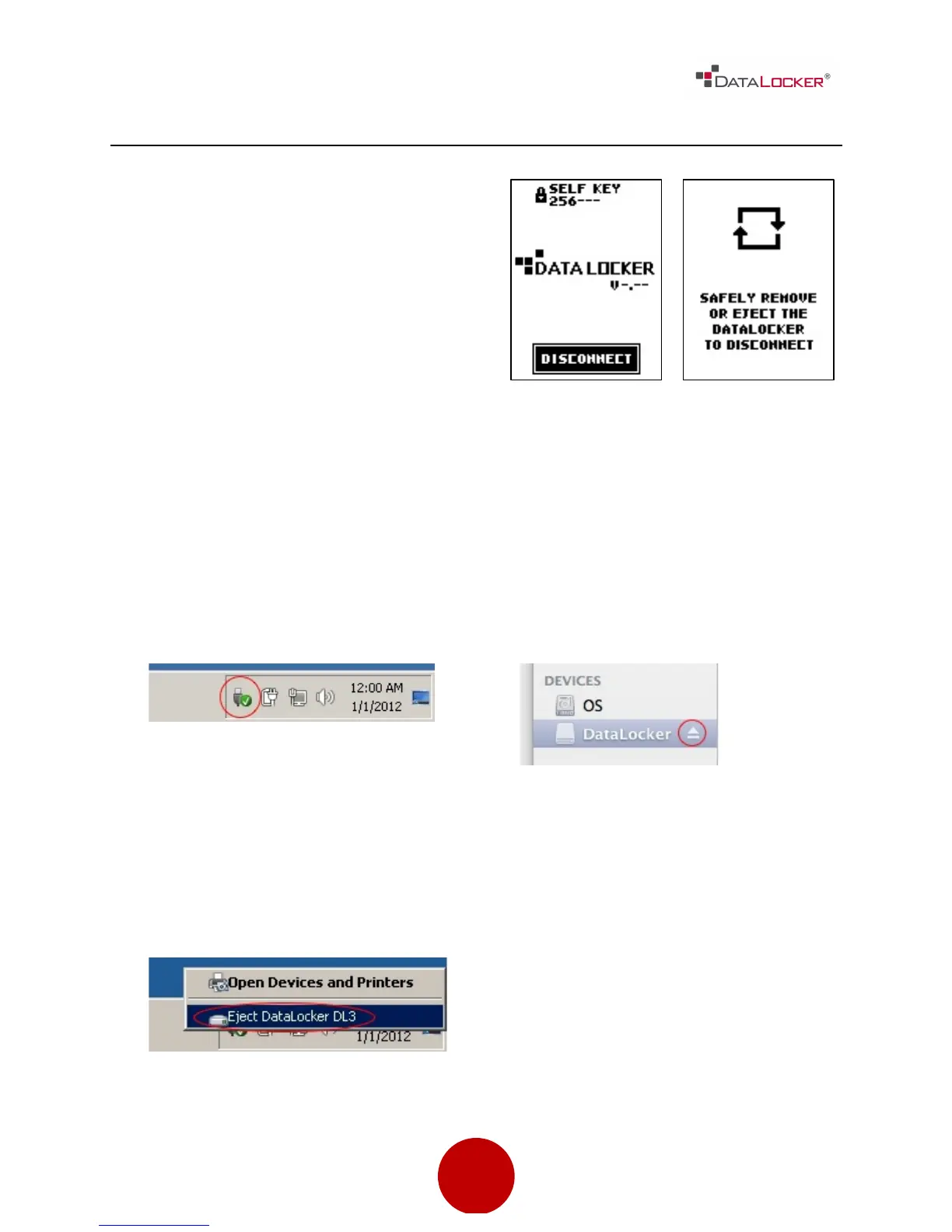
DISCONNECTING YOUR DL3™
One way to prevent loss or corrupted
data is to properly eject the DL3™ drive.
It is best practice to use your operating
system’s Safely Remove Hardware or
Eject function before you power down
or detach the DataLocker DL3™ from
the host system.
This will also help prevent damage to the
disk.
Right click the Safely Remove
Hardware icon located on the
lower right hand corner of the
Windows taskbar.
Click the eject button that
corresponds with the DataLocker
DL3™ on your MAC operating
system.
Once the popup menu has
appeared, click the correct drive
to safely eject the DL3™ from
Windows.
Once the drive has been ejected
from your MAC operating system,
press [DISCONNECT] on the DL3™
drive.



 To Next Page