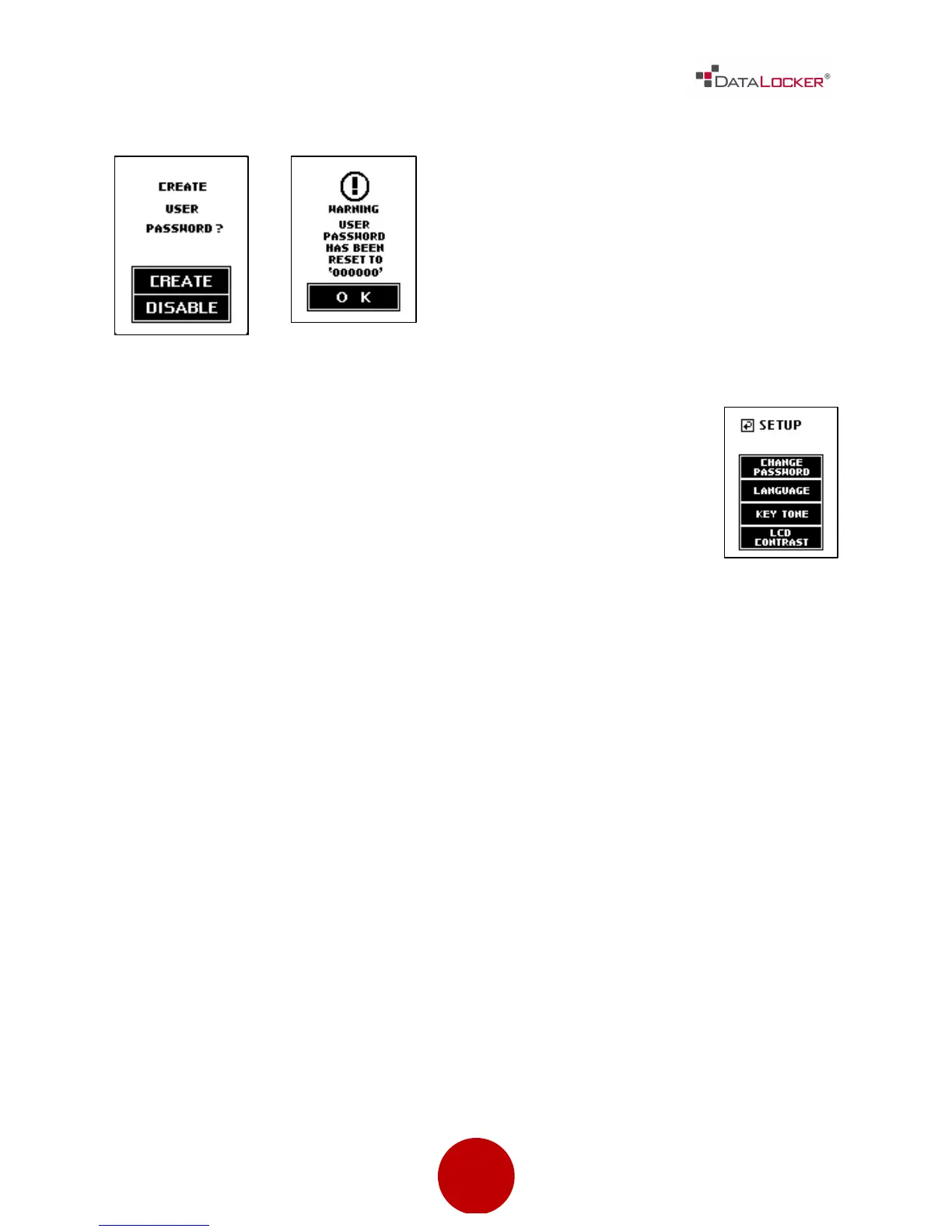
Step 6: The user should then re-login with the default user
password of 000000 and change the default password to a
personal password. The user password change process is
identical to changing the administrator’s password. The user’s
setup menu is limited to [CHANGE PASSWORD], [LANGUAGE],
[KEY TONE] and [LCD CONTRAST] settings.



 To Next Page