Programming Barcodes
18 Gryphon™ i
USB Interface — continued
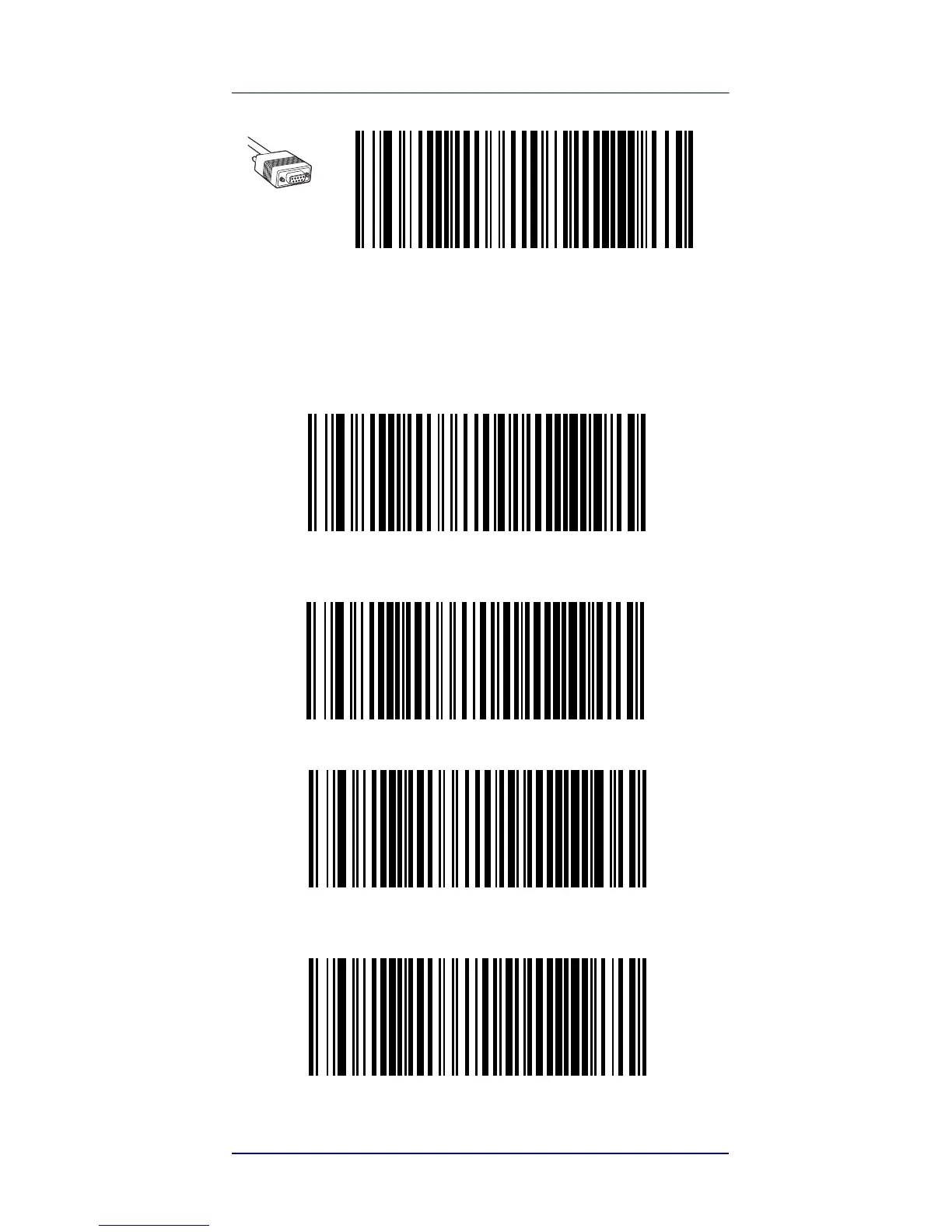
Select USB-KBD-APPLE (for Apple computers)
Keyboard Wedge Interface
To use a Keyboard Wedge interface, scan the barcode for the
desired keyboard type.
Select KBD-AT
(AT, PS/2 25-286, 30-286, 50, 50Z, 60, 70, 80, 90 & 95
w/Standard Key Encoding)
Select KBD-AT-NK
(IBM AT PS2 with standard key encoding but without external kbd.)
Select KBD-AT-ALT
(AT, PS/2 25-286, 30-286, 50, 50Z, 60, 70, 80, 90 & 95
w/Alternate Key)
Select KBD-AT-ALT-NK (for IBM AT PS2 with alternate key
encoding but without external keyboard)


 To Next Page
 Loading...