7
following operation modes:
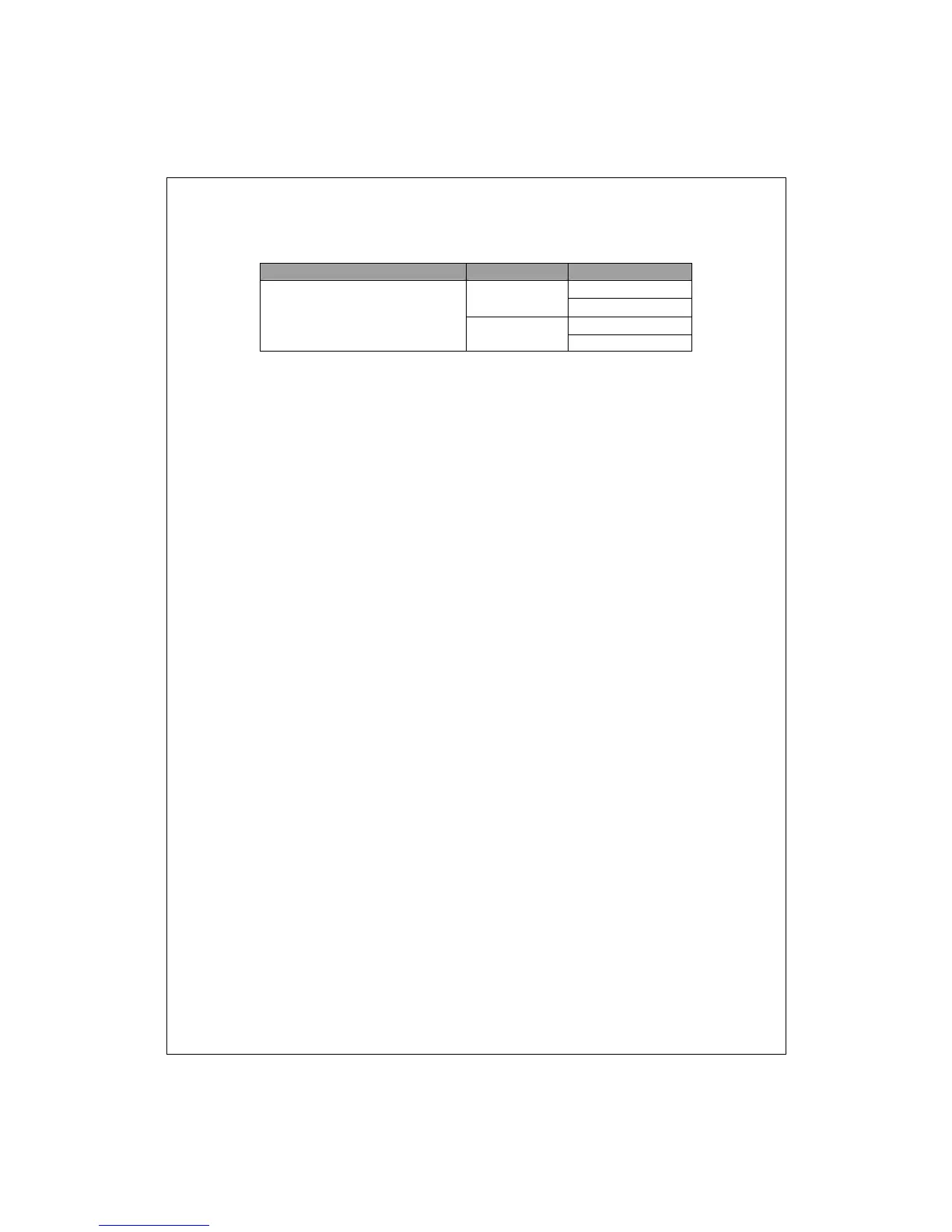
Media Speed Duplex Mode
10/100Mbps(copper) 10Mbps Full Duplex
Half Duplex
100Mbps
Full Duplex
Half Duplex
Restore Default Button
You can use this button to reset the switch or restore factory default settings.
To reset the switch, press the button once.
To restore factory default settings, press and hold the button for three
seconds.
The Rear Panel
Power Receptacle
To be compatible with the electric service standards around the world, the
switch is designed to afford the power supply in the range from 100 to
240VAC, 50/60Hz. Please make sure that your outlet standard to be within
this range.
To power on the switch, please plug the female end of the power cord firmly
into the receptacle of the switch and the other end into an electric service
outlet. After the power cord installation, please check if the power LED is lit
for a normal power status.


 To Next Page