9
Installing Network Cables
1. Crossover or straight-through cable: All the ports on the switch
support Auto-MDI/MDI-X functionality. Both straight-through or
crossover cables can be used as the media to connect the switch with
PCs as well as other devices like switches, hubs or router.
2. Category 3,4,or 5 cable: To make a valid connection and obtain the
optimal performance. An appropriate cable that corresponds to different
transmitting/receiving speed is required. To choose a suitable cable,
please refer to the following table.
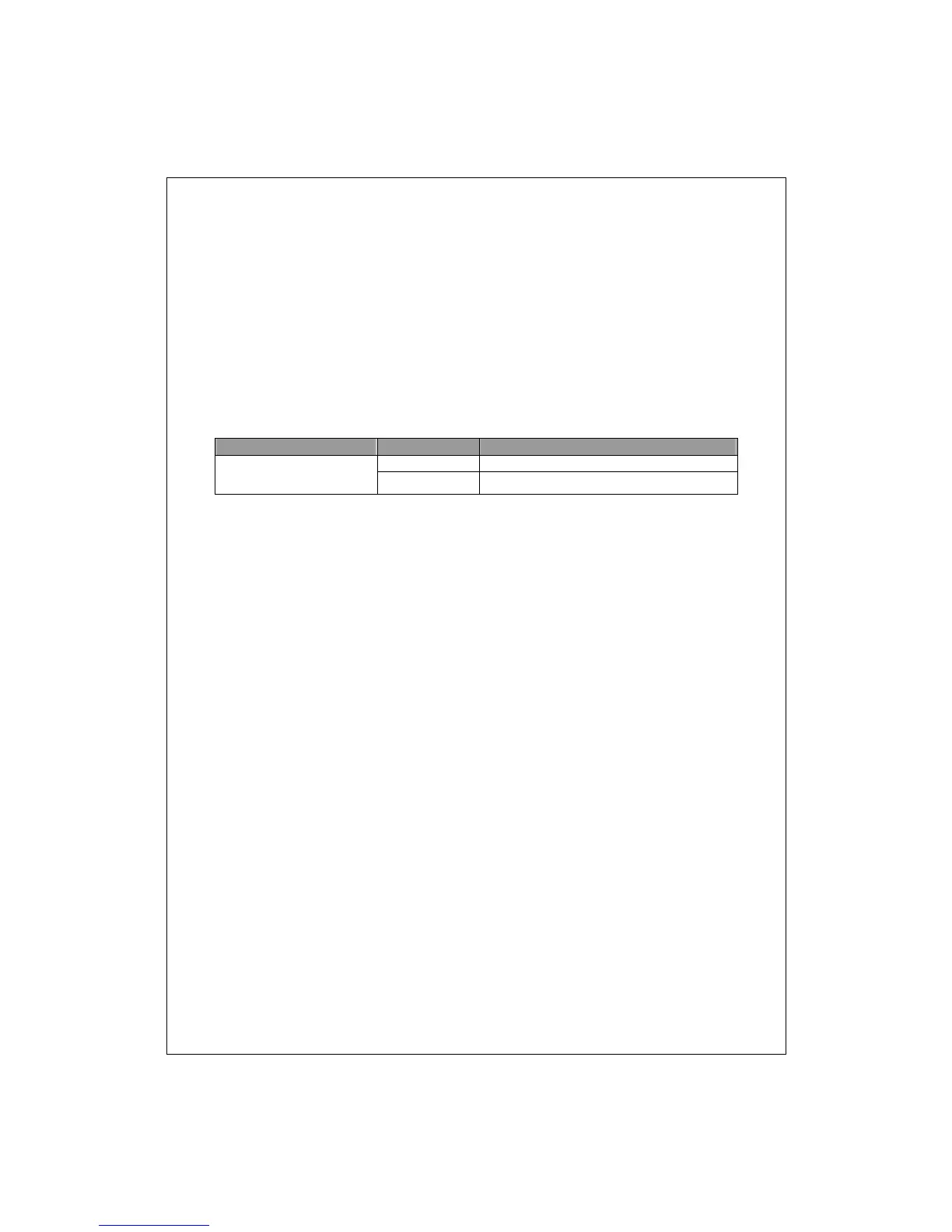
Media Speed Wiring
10/100Mbps copper
10Mbps Category 3,4,5 Utp/STP
100Mbps Category 5 UTP/STP


 To Next Page