UM-0085-B09 DT80 Range User Manual Page 147
RG
amount of space will be used regardless of the actual number of data points or alarms that have been logged
(see How Data and Alarms are Stored (P94)). If there is no current job loaded then this segment will not be
present.
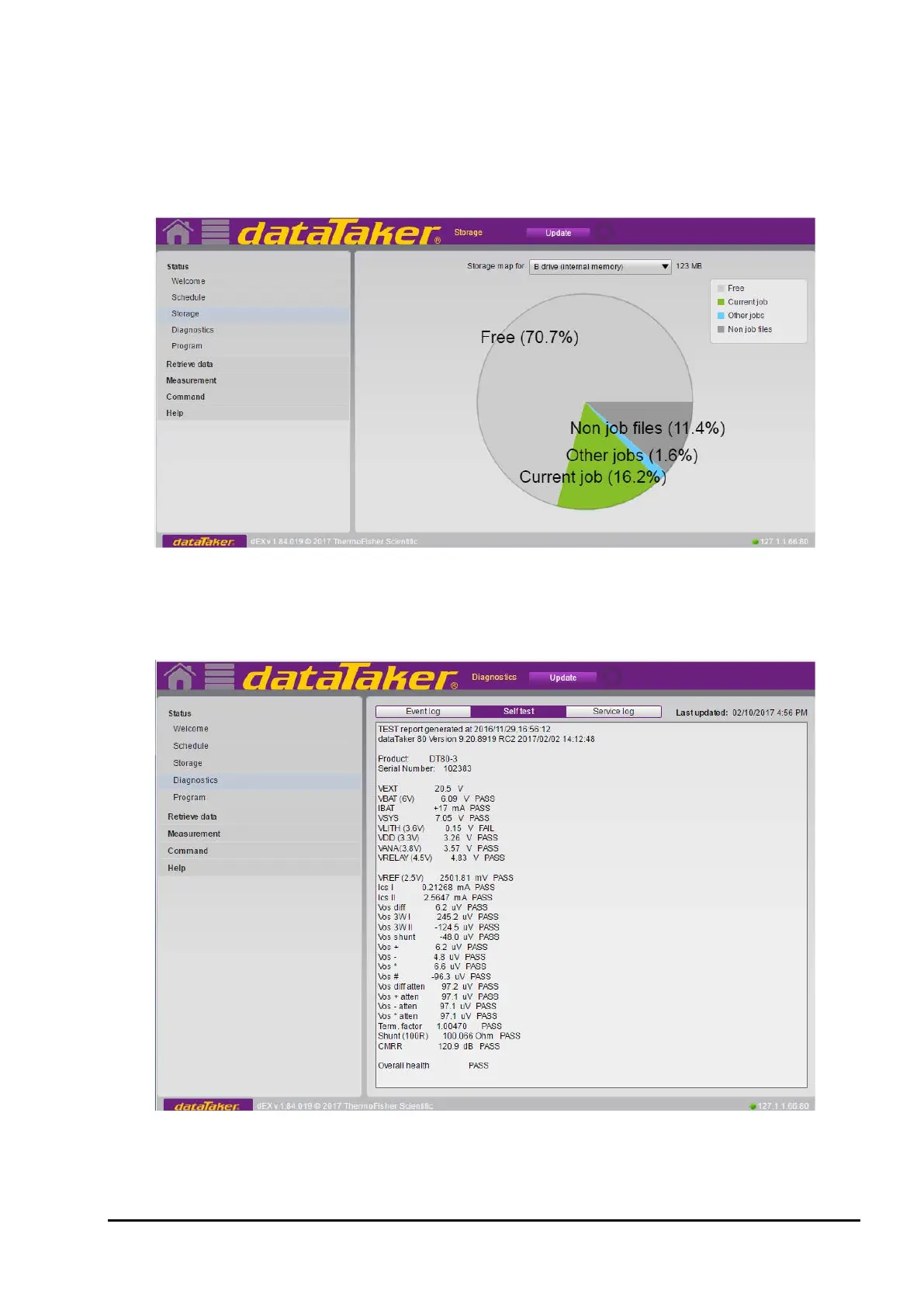
• Other job(s) (dark blue) – space used by other jobs which have previously been defined but which are not
currently active. If these jobs and their logged data are no longer required then this space can be recovered
using the DELJOB command (see Deleting Jobs (P63)).
• Non job files (light blue) – this includes all other files stored on the drive, such as the web interface, user
manual, event log, and so on.
Figure 39: Storage pie chart for drive B:
The actual space used (in bytes) for each segment can be displayed by holding the mouse cursor over the legend on the
right hand side of the screen. For the USB drive (A:) only two segments are shown: Free and Used.
Diagnostics Screen
Figure 40: Self Test on Diagnostic screen



 To Next Page