10 / 24
Facelook X1 User’s Manual
2.3 WEB CONFIGURATION
2.3.1 LOGIN DEVICE
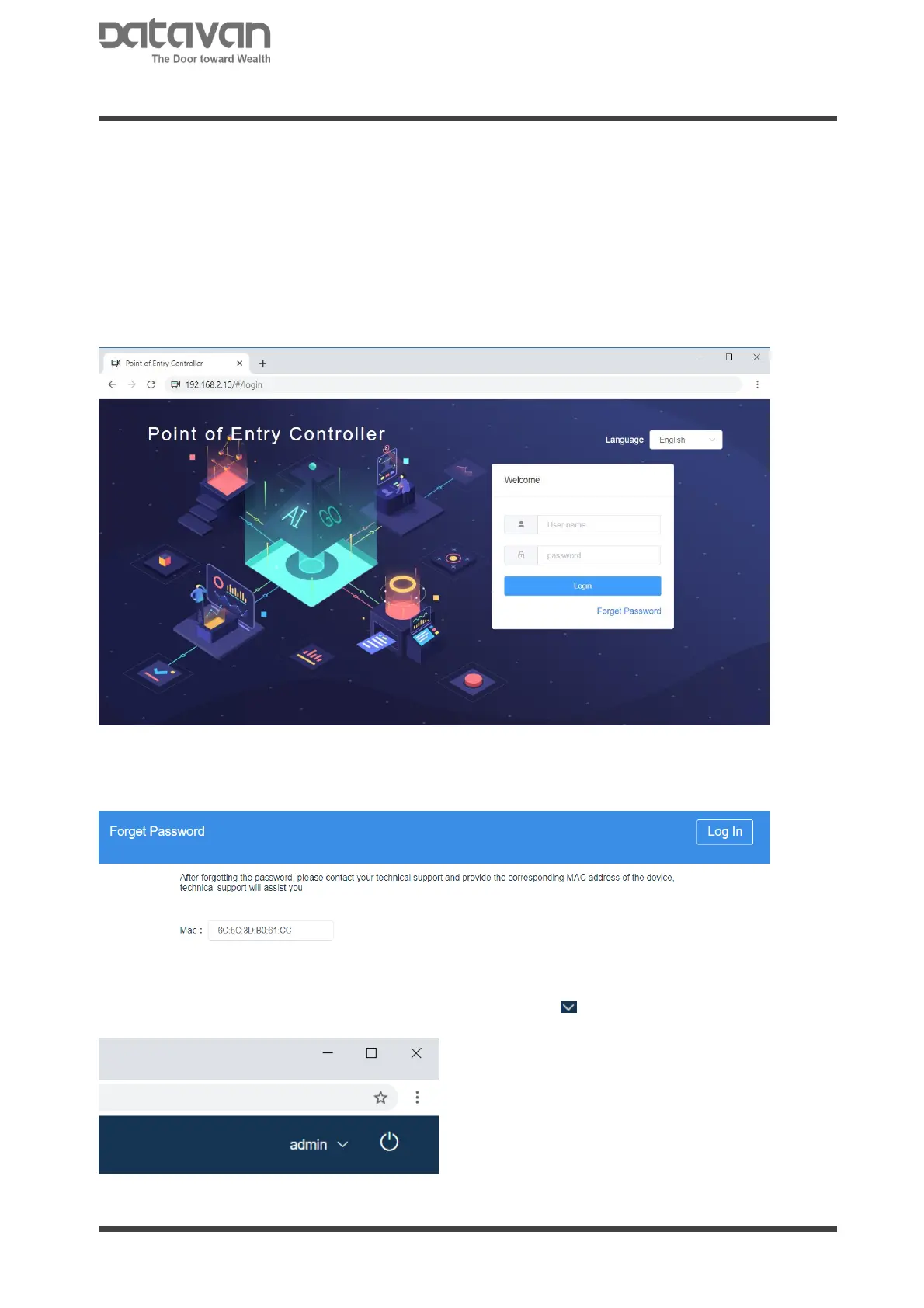
On PC, open web browser to login the device. It is recommended to use Google Chrome.
Input the default IP address, 192.168.2.10, or the IP obtained from LAN, in URL column.
Select the language preferred. Input the account ID and PW. The default ID and PW:
ID: admin
PW: admin345
Note:
In case the ID or password is forgotten, click [Forget Password] and provide the Mac
shown on screen to the vendor for help.
Change ID and Password
At the upper-right corner of browser, click down arrow to change the account ID and
password.
In the dialogue box, input new ID and password and click [OK] to confirm.



 To Next Page