11 / 24
Facelook X1 User’s Manual
2.3.2 VIEW DEVICE INFORMATION
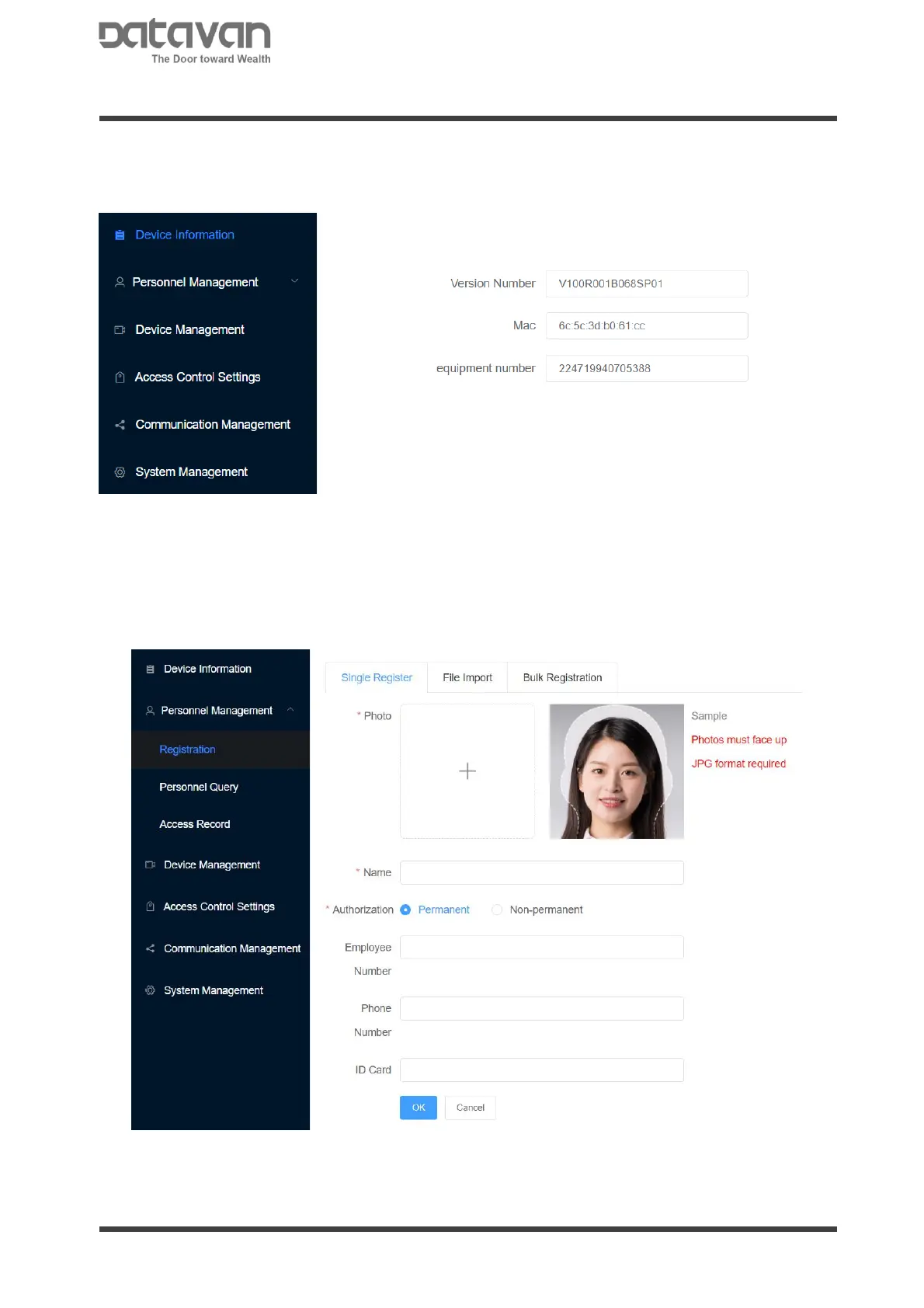
The device information page shows the device software version and mac address.
2.3.3 PERSONNEL MANAGEMENT
1. Person Registration
Register the face image in device. Select photo, input name, employee number,
phone number, ID card and remark1~4. Select the permanent authorization, and click
[OK] to register.
For temporarily authorization, select [Non-permanent] and specify valid date.



 To Next Page