9 / 24
Facelook X1 User’s Manual
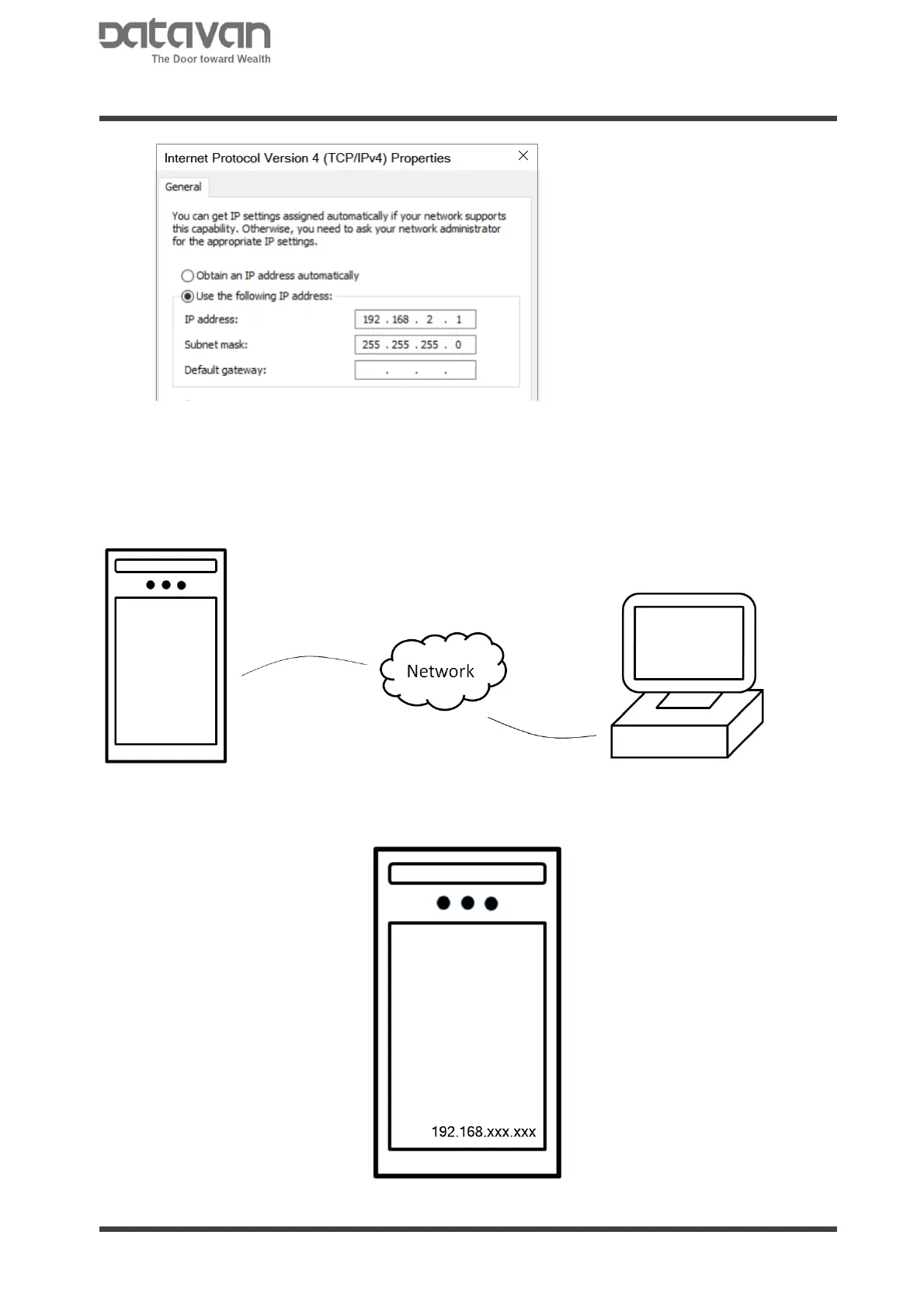
Select [Use the following IP address]. Fill [IP address] and [Subnet mask].
2.2.2 CONNECT BY LAN
The IP address on device is set at DHCP which automatically obtains an IP address from
LAN (Local Area Network). Simply connect both device and PC on LAN.
Power up the device and check the IP address obtained from LAN. The IP address is
shown at the lower-right corner of display.



 To Next Page