18 / 24
Facelook X1 User’s Manual
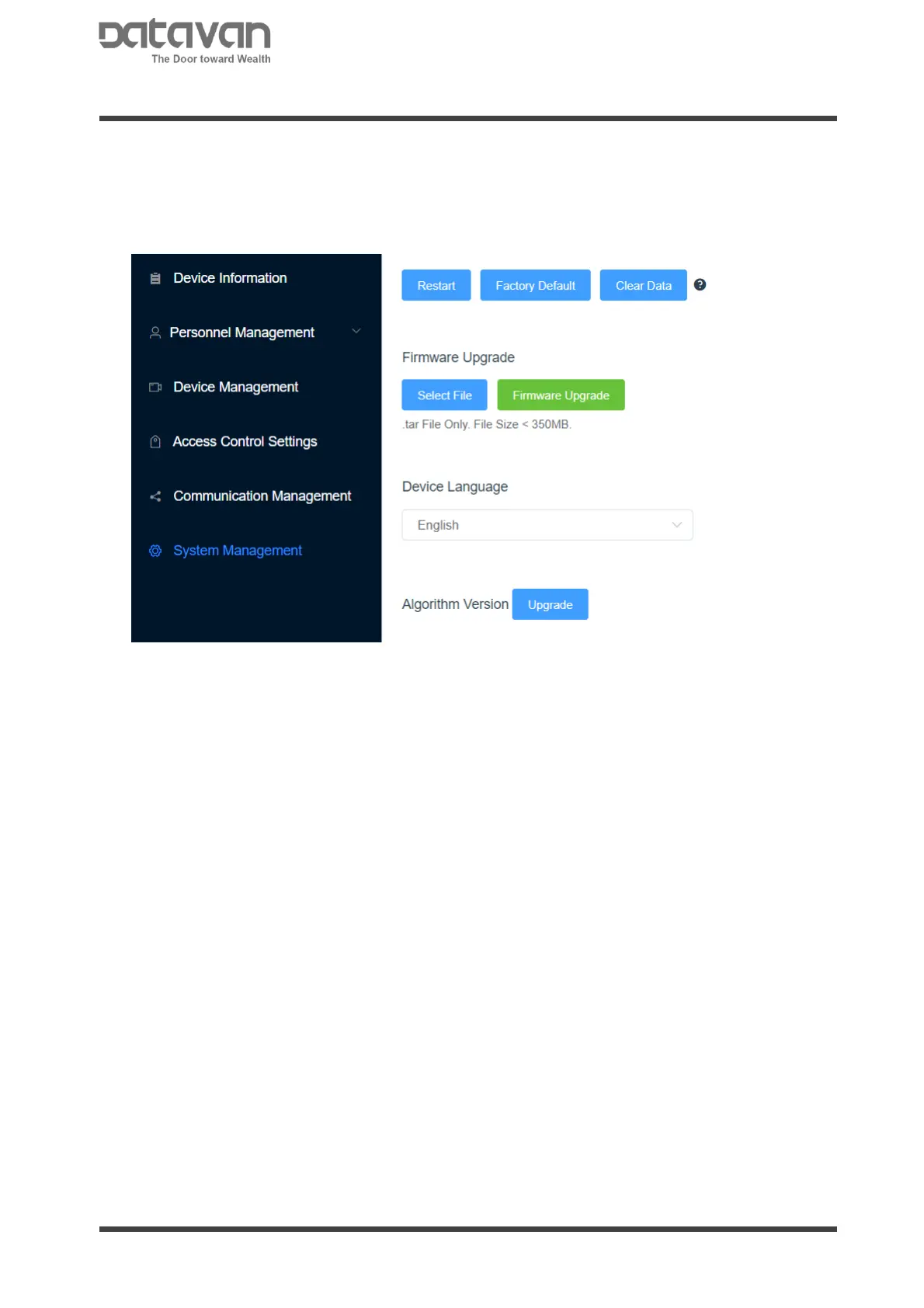
2.3.7 SYSTEM MANAGEMENT
Manually restart the device, restore factory settings, and upgrade firmware.
[Restart]: Reboot the device.
[Factory Default]: Return to factory default. All the settings and data will be reset.
[Clear Data]: Clear all registered face database and access record.
Firmware Upgrade
Upload device firmware. Click [Select File] to select firmware file which is in (.tar).
Click [Firmware Upgrade] to start uploading firmware. After finish uploading and
device rebooting, click [Reload this page] on browser to load all new functions
showing on browser.
Device Language
It is for device spoken and displayed language. After selection, reboot the device to
take effect.
Algorithm Version
There are 2 algorithm versions for facial recognition.
The default version is recommended for scenario without wearing a mask.
The version after clicking [Upgrade] is recommended for scenario with wearing a
mask.
Both versions are working. Select the better fitted version depending on the scenario.
Note
The algorithm version is non-reversible once the version is selected.



 To Next Page