33
8. RMC-180 PTZ Camera Control Unit
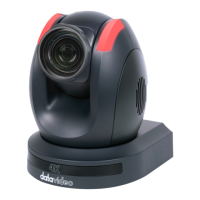
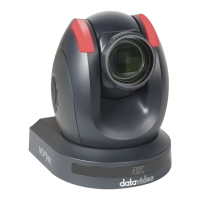
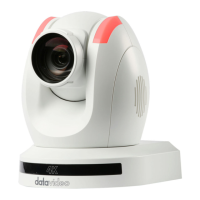
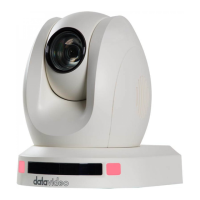
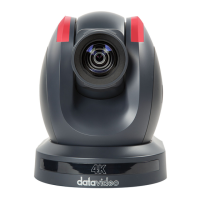
The RMC-180 PTZ Camera Controller is designed to control up to 4 Datavideo
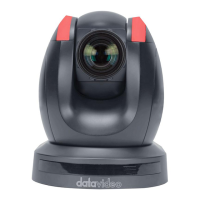
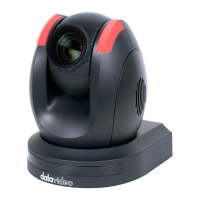
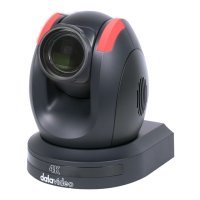
Pan Tilt Zoom (PTZ) cameras such as the PTC-200/PTC-200W.
The four RJ-45 ports provided on the RMC-180 rear serve to connect PTZ
cameras, thus allowing the user to use any RJ-45 cable to connect the RMC-
180 to the RS-422 port located on the PTZ camera’s rear panel. The
communication protocol is VISCA.
Note: Before connecting the camera to these channel ports, please set bit 4
of the camera DIP switch located at the bottom to OFF.
Direct Connection to Camera
To use the RMC-180 PTZ Camera Control Unit to directly control the PTC-
200/PTC-200W camera, connect the RS-422 port on the camera’s rear panel
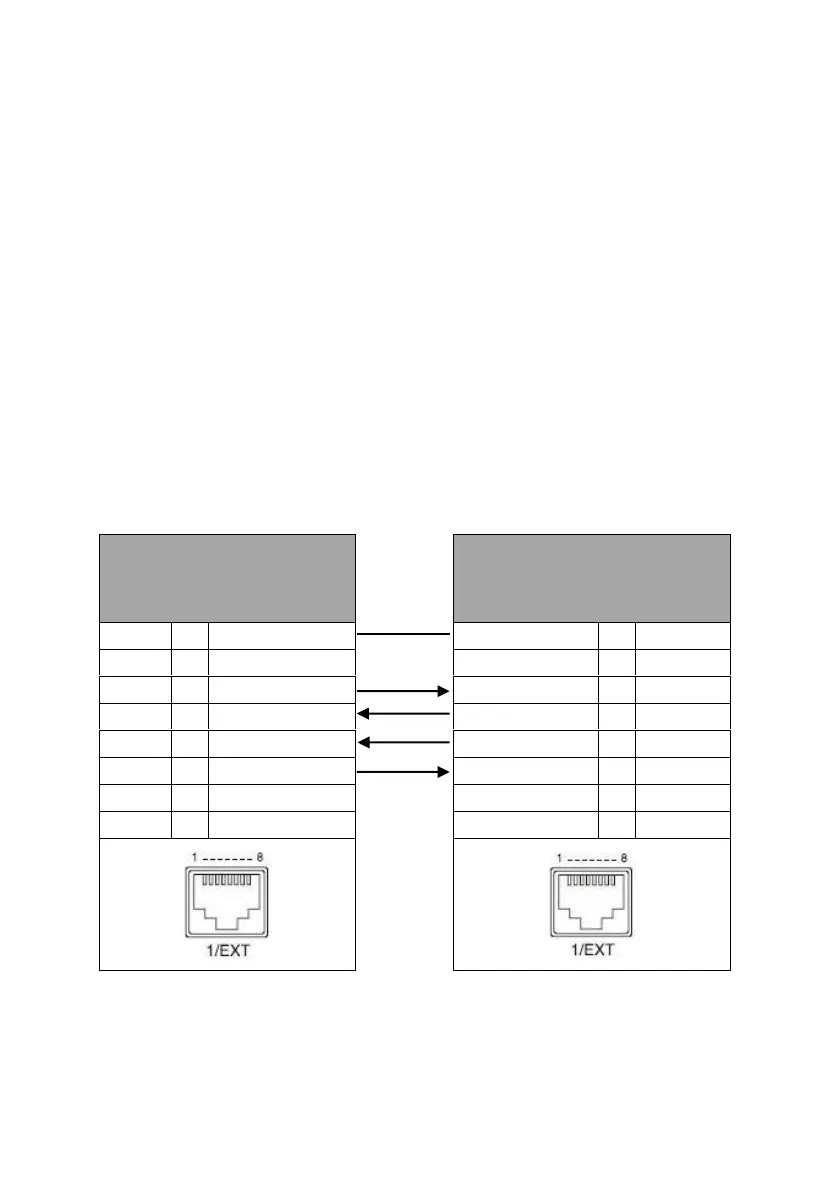
to the RJ-45 port of the RMC-180 using any RJ-45 cable. The RS-422 wiring
scheme is shown below.





 To Next Page