113
Cortex 320
Setup
Connecting the unit to a power supply
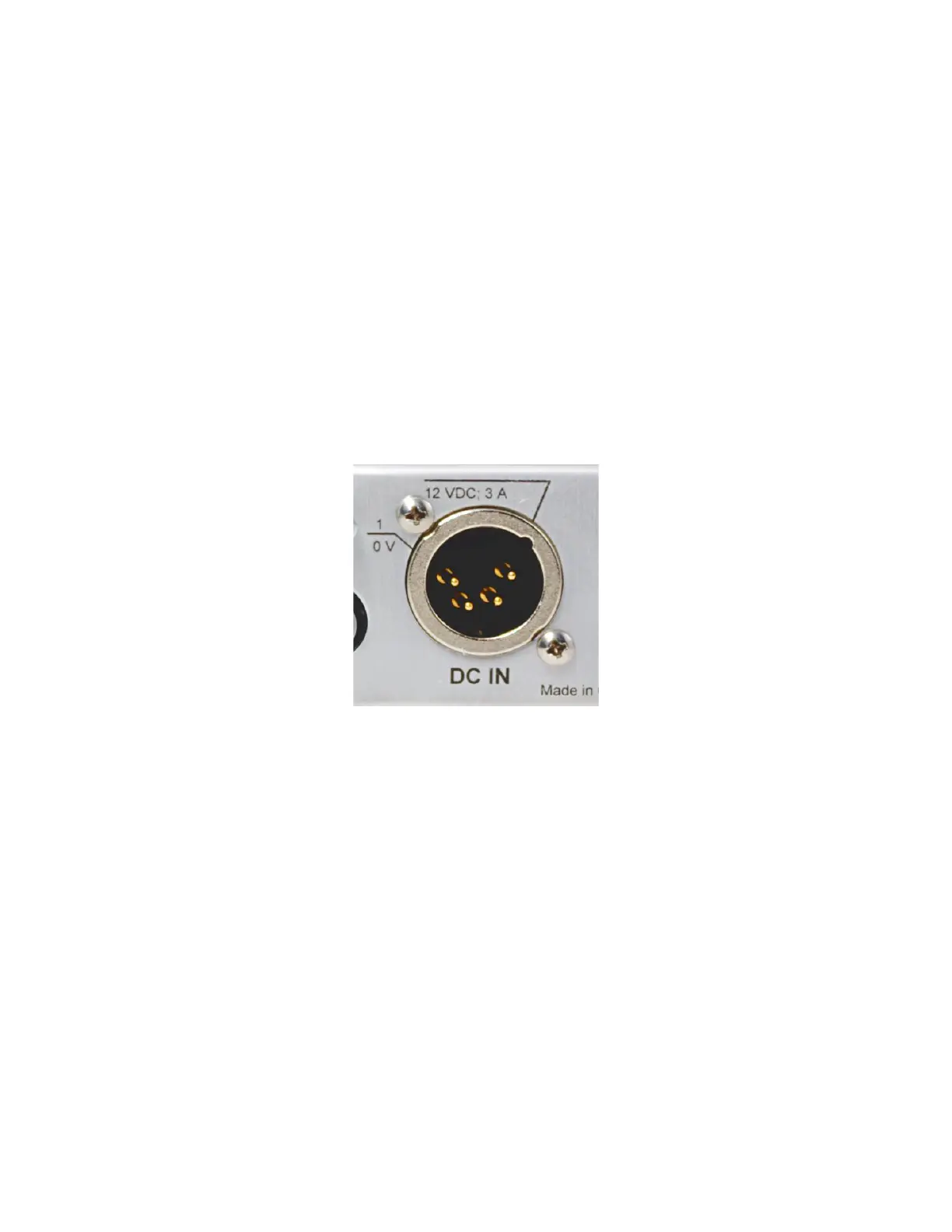
The Cortex 320 power rating is 12 VDC @ 3 Amps, but it can run on any DC voltage
between 10 and 15 volts. The actual current consumption depends on the actual
supply voltage. A 4-pin XLR connector is used for the power supply: male on the
Cortex 320 and female on the power supply side.
If you did not purchase your power supply unit from Davicom, you will want to make
your own supply cable with the XLR pigtail supplied with your Cortex unit. The
pinout is indicated directly on the back panel.



 To Next Page