82
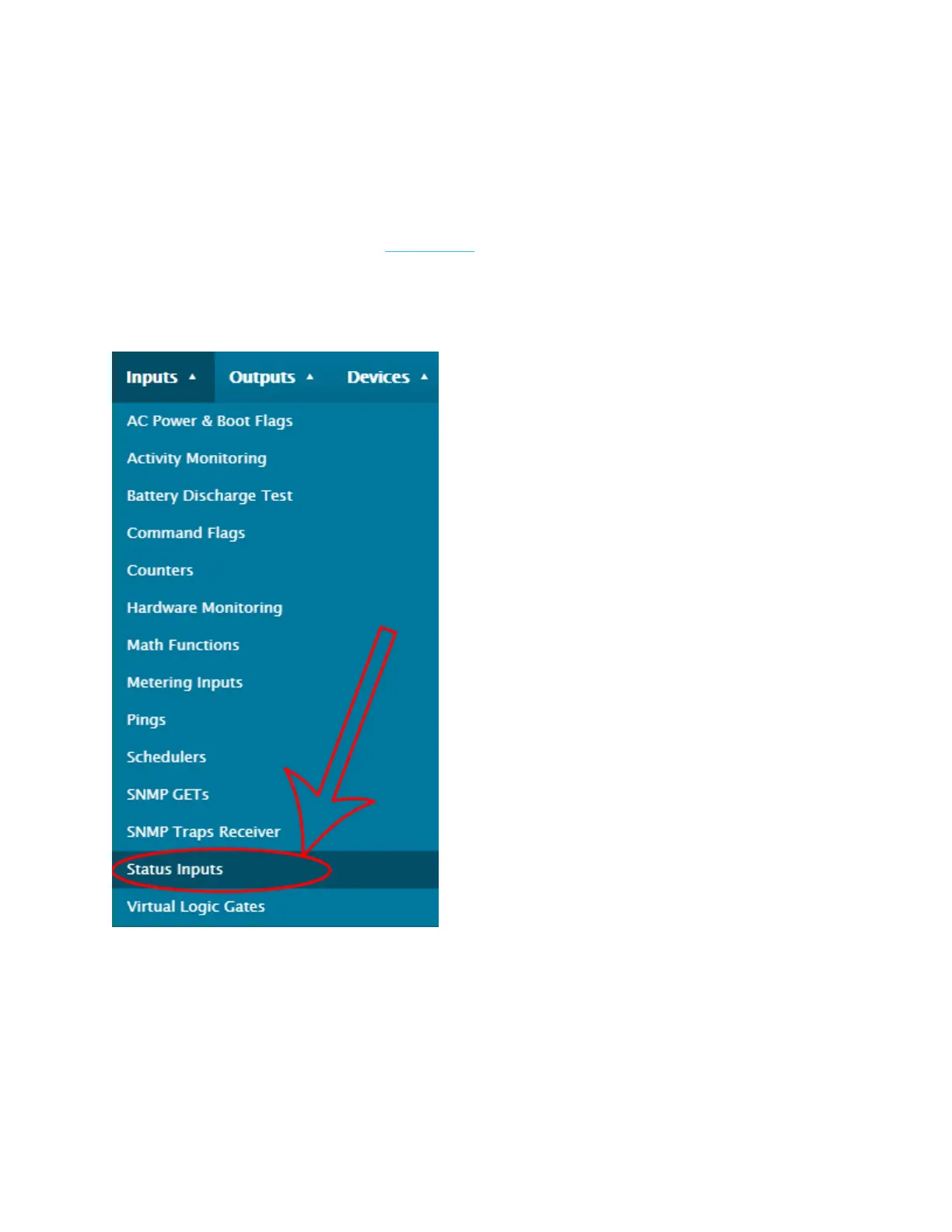
Configuring Status Inputs
For the purpose of this tutorial, we will be configuring a door contact as an example.
This is a Dry Contact Status Input, which means it is dependent on the Cortex’s
voltage. However, if you wish to use a Status Input in Wet Contact Mode and detect
external voltage, please refer to this article.
1. Go to Status Inputs.



 To Next Page