123
Configuration
Important
Please note that the Cortex menus and screens are dynamic user-dependent,
meaning they will show more or less information based on a user’s access level, and
whether a user is in control of the unit or not. If you notice that certain buttons or
control/command settings seem to be missing or are greyed-out, first check if you
are (still) in control, or make sure you have proper access level / access rights.
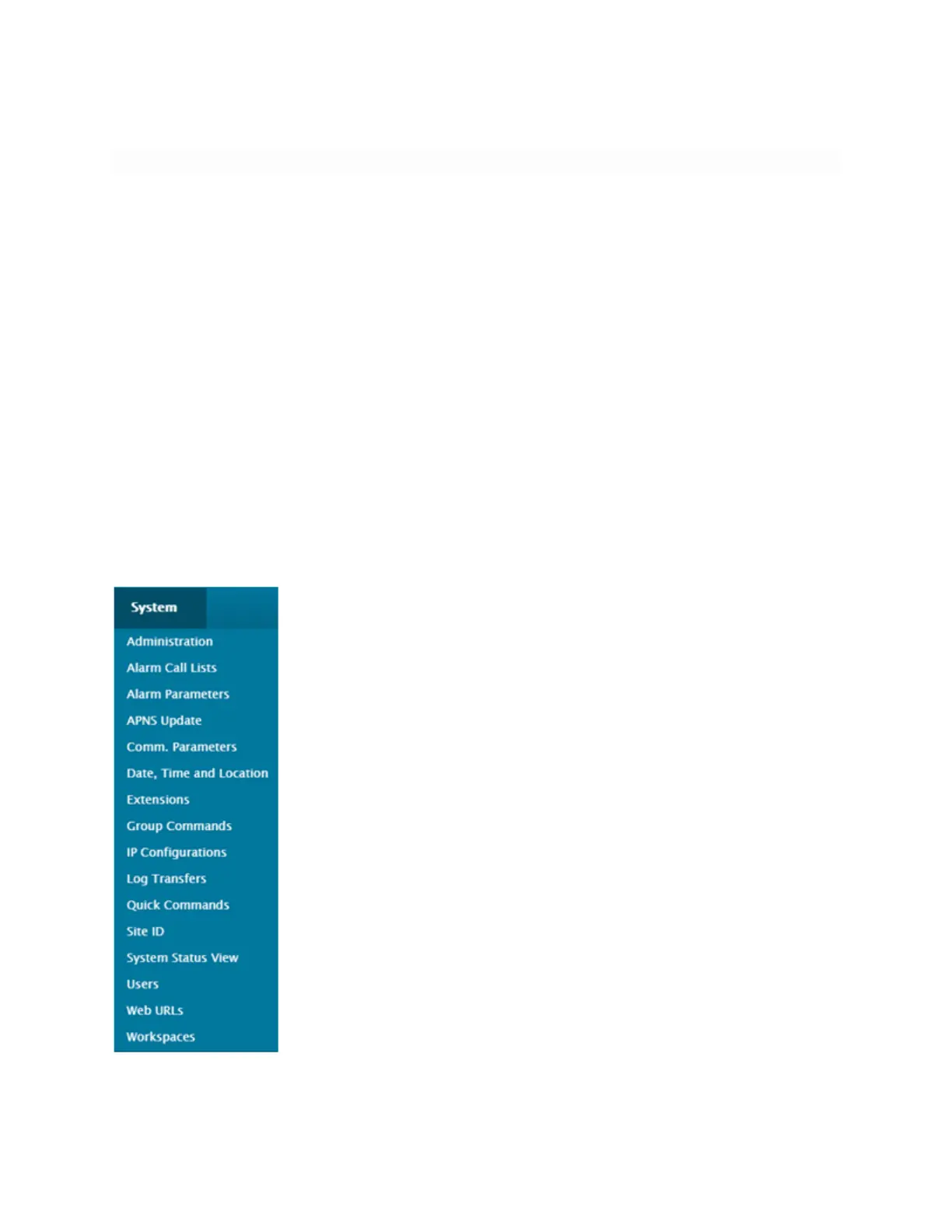
System Menu Configuration
Configuring the Cortex 320 IP Parameters (General tab)
The IP configuration menus set all the IP-related parameters required for the Cortex
to communicate via network connection.
1. Go to the System menu.



 To Next Page