118
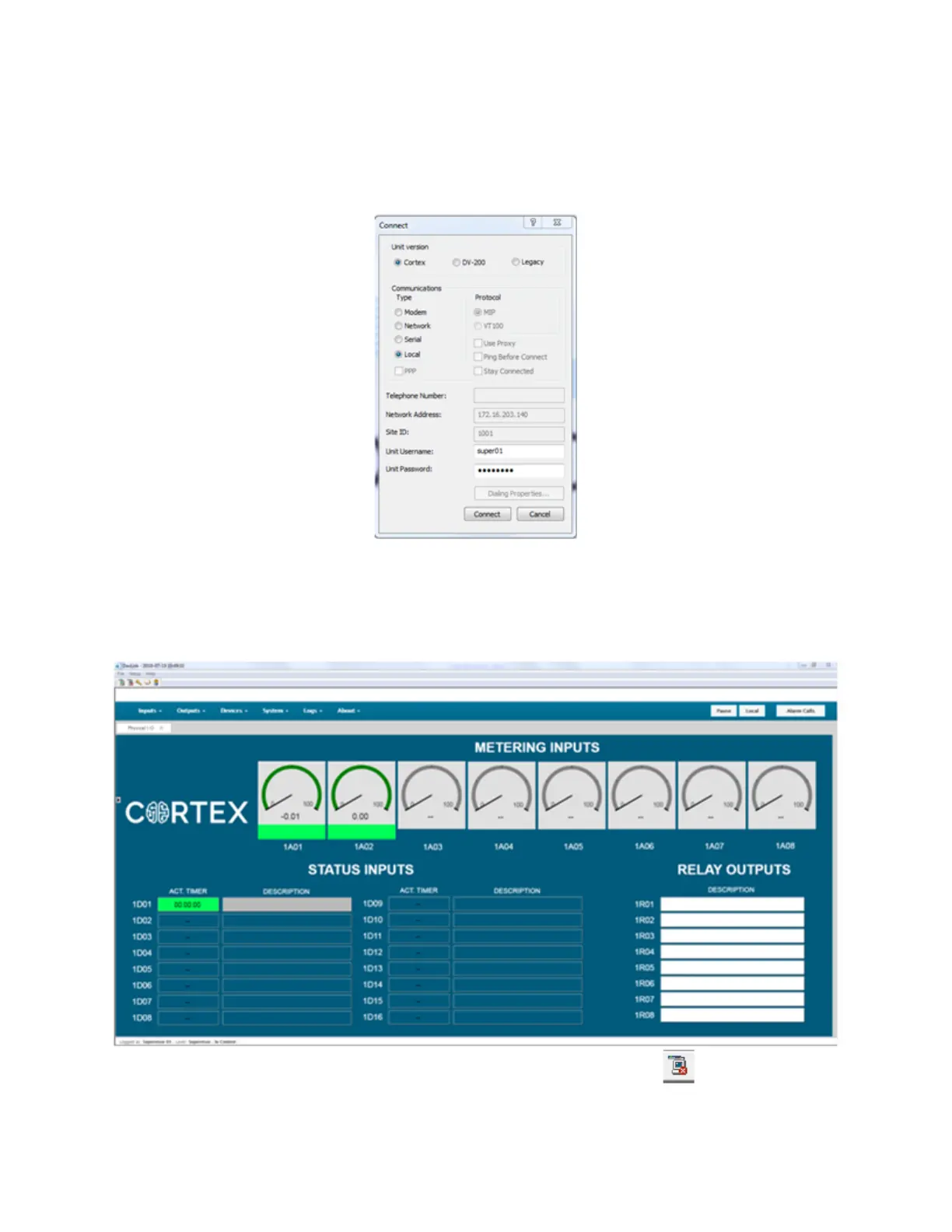
Click OK and then click on the small green computer Icon at the top left of the
DavLink main screen. The following window will open:
Select Cortex, Local and then enter the Username and Password (super01 and
ssssssss) into the fields. You should then be connected to the Cortex GUI.
When you are finished, you can logout from the Cortex with the Icon at the top
left.



 To Next Page