13
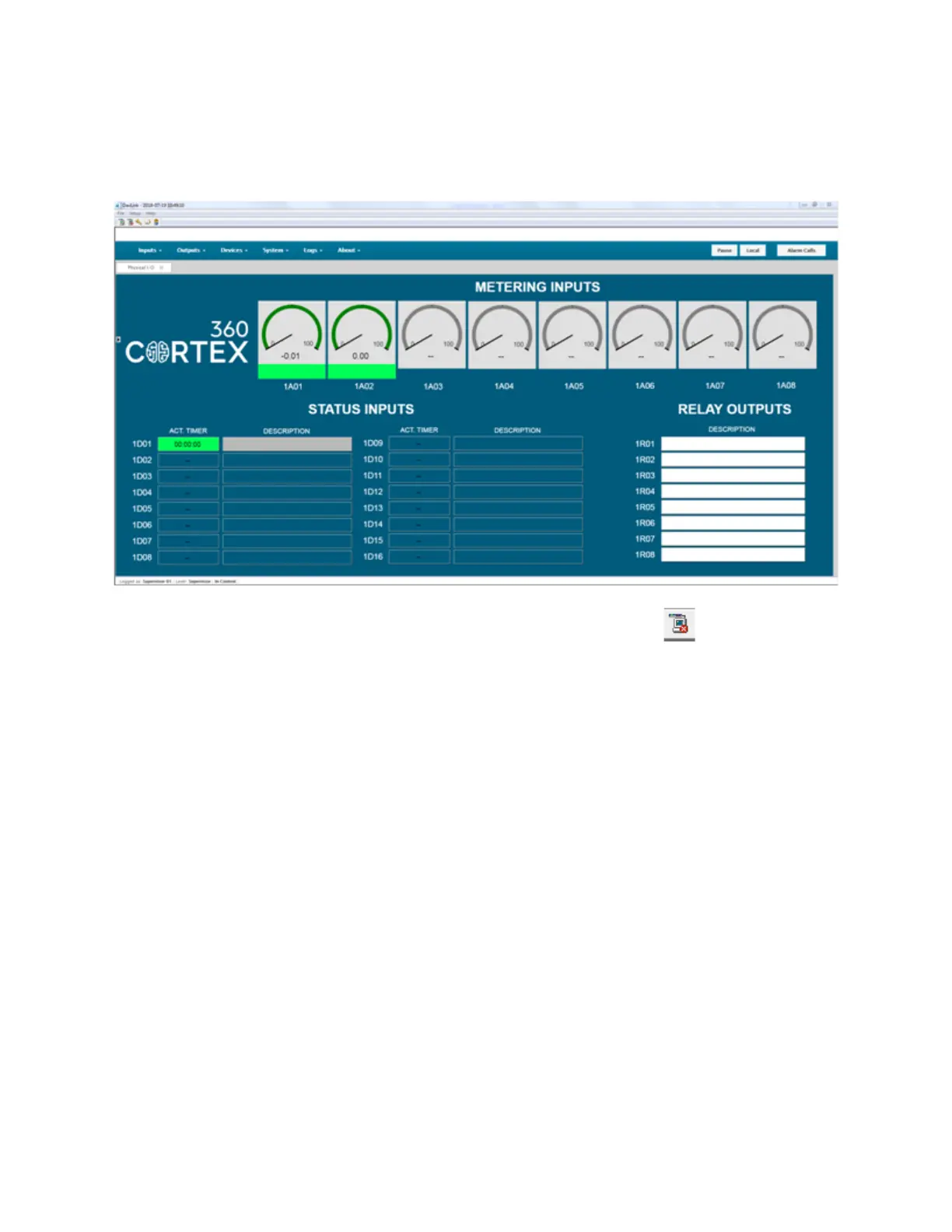
Select Cortex, Modem, enter your Telephone Number and then enter the Username
and Password (super01 and ssssssss) into the fields. You should then be connected
to the Cortex GUI.
When you are finished, you can logout from the Cortex with the Icon at the top
left.
Special note for DavLink: Contrary to operation through a web browser, in DavLink,
workspaces can only be used locally. This means that DavLink does not download
the workspace from the Cortex unit when it connects, but instead loads it internally
from the computer’s memory. DavLink has been configured this way to allow
operation over narrow-band data channels like slow satellite links, narrowband radio
channels or RS-232 multi-drop lines.
Troubleshooting: Once you have connected to DavLink, if the Cortex GUI displays in
a small window in the corner and then disappears after a few seconds, try closing all
the open DavLink windows you have. One might have stopped responding if you
made multiple updates.



 To Next Page