140
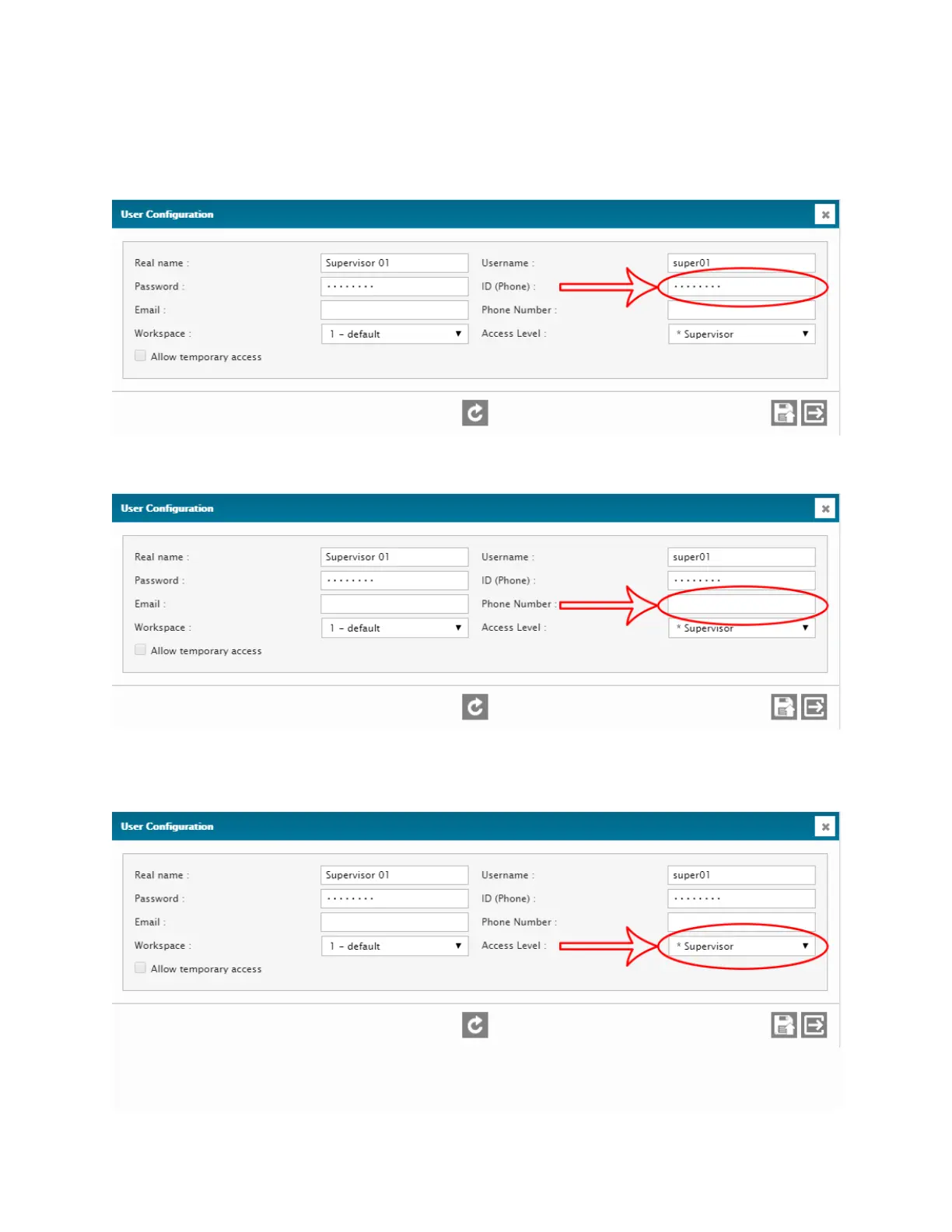
6. ID (Phone): Set an identification number associated with the user and used for
phone access. This ID is used instead of a usual username and password, which
simplifies login and alarm acknowledgement by telephone.
7. PHONE NUMBER: Set the user's phone number.
8. ACCESS LEVEL: Set the access level of the user’s account (can be a default access
level or a custom access level).



 To Next Page