28
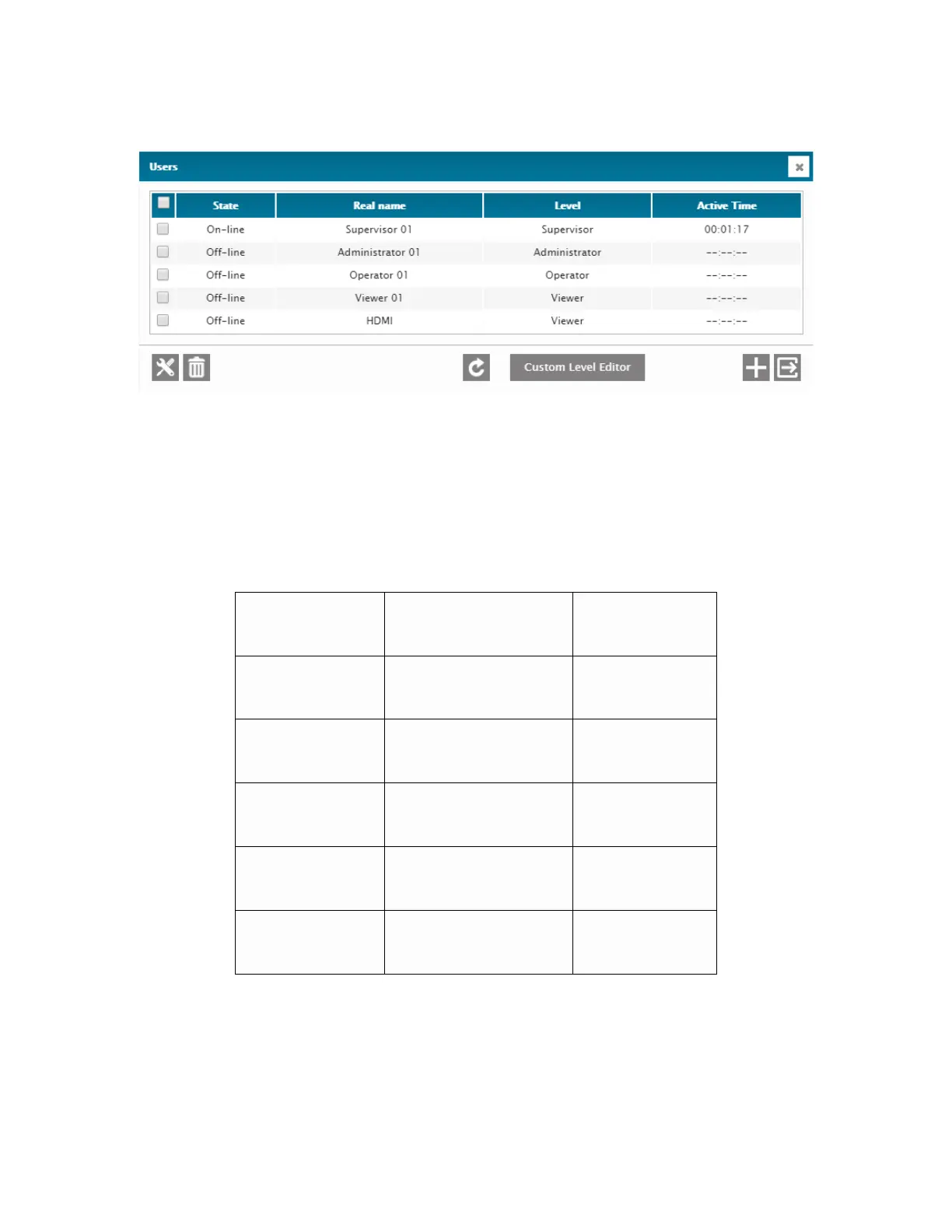
You should now see this menu:
This menu is where all of the user rights are managed. Cortex users can be added,
deleted and their access rights can be precisely customized.
The table below shows the default users for the system along with their passwords.
It is VERY IMPORTANT that you change these default usernames and passwords,
(and save your new settings in a secure location) to prevent unauthorized access to
your Davicom unit! If you lose your passwords, Davicom’s support department will
not be able to help you, short of performing a factory reset on the unit. Davicom
does not have back-door passwords or special access privileges.



 To Next Page